ADHD Focus OS | Simple Notion Productivity System for Tasks, Routines & Daily Planning
Overview
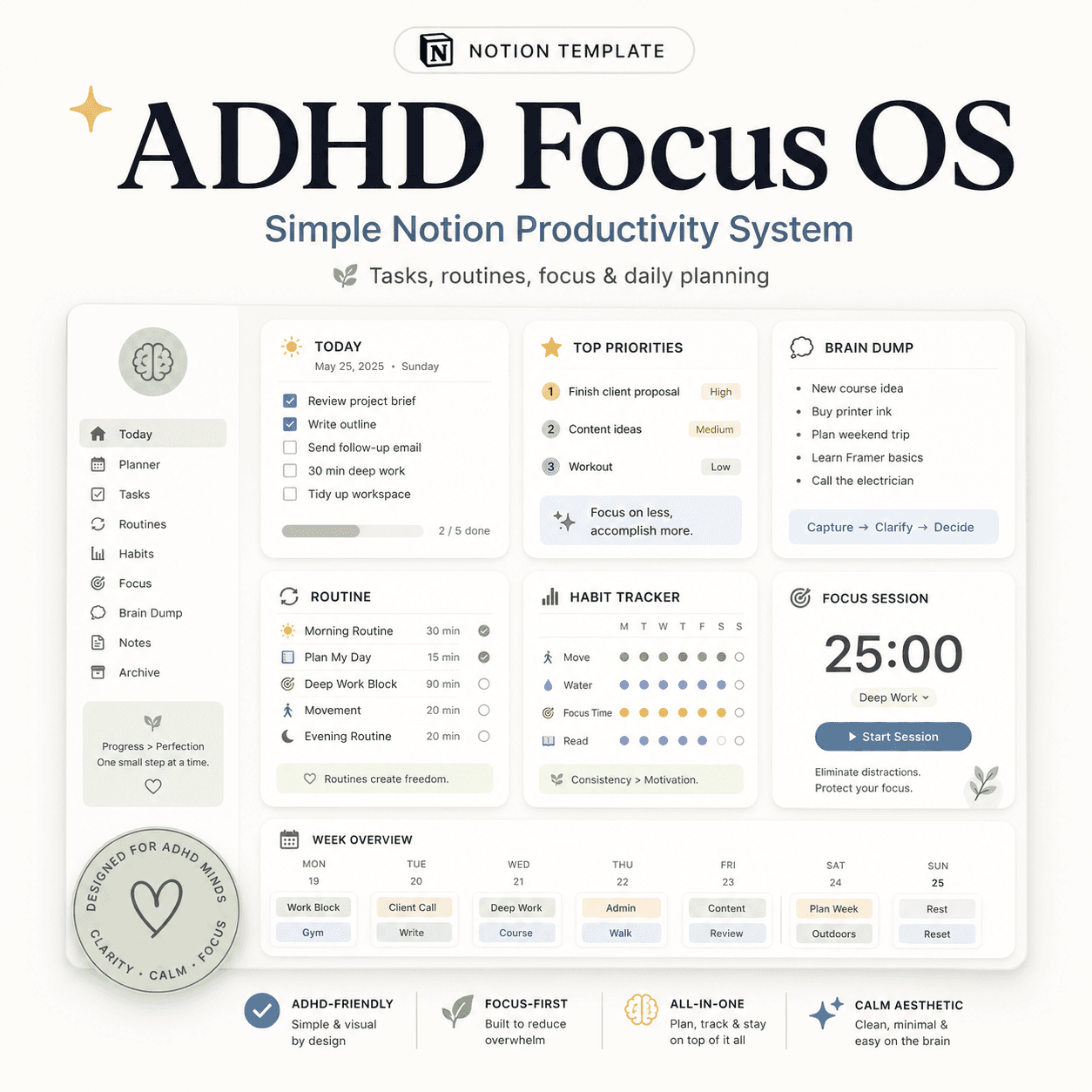
FocusFlow is an ADHD-friendly Notion productivity system designed to help you clear your mind, choose one priority, and know what to do next. It includes 5 connected databases, 18 calm dashboards, brain-dump tools, Focus Mode, Low-Energy Mode, habits, projects, student and entrepreneur dashboards, plus a complete setup guide. Works with Notion’s free plan
Stop opening complicated productivity dashboards and wondering where to begin.
FocusFlow is a calm, connected Notion system designed to help you clear your mind, choose one priority, and know exactly what to do next.
Instead of overwhelming you with dozens of databases, widgets, and rigid routines, FocusFlow uses just 5 connected databases and 18 focused dashboards. Every page works from the same information, so your tasks, projects, habits, studies, and business responsibilities stay organized without duplication.
A simpler way to stay productive
FocusFlow is built around three ideas:
- Keep your daily plan small
- Focus on one important task at a time
- Never punish yourself for missing a day or taking a break
There are no broken streaks, lost points, or complicated systems to catch up on. Your Today dashboard is intentionally designed for a maximum of five active tasks, helping you see what matters without creating more overwhelm.
What you can do with FocusFlow
Use one connected system for:
- Daily planning and task management
- Fast, friction-free brain dumps
- Deep-work sessions with one visible priority
- Low-energy and difficult days
- Visual task prioritization
- Habits and flexible routines
- Optional rewards and gamification
- Student assignments, exams, and courses
- Entrepreneur tasks and revenue-focused work
- Restarting after a break without catching up
These are not separate templates. They are filtered dashboards connected to the same five databases, so updates stay synchronized everywhere.
Included dashboards
FocusFlow includes dedicated pages for:
- Start Here
- Today
- Brain Dump
- Tasks
- Focus Mode
- Low-Energy Mode
- Weekly Reset
- Habits and Rewards
- Student Dashboard
- Entrepreneur Dashboard
- Projects
- Visual Priority Manager
- Executive Function Support
- Coming Back After a Break
- Mobile Dashboard
- System and Archive
- Help and Instructions
- Full Template Tour
Your primary navigation remains intentionally short, while the additional tools stay available when you need them.
Smart features that calculate automatically
FocusFlow automatically helps identify:
- Quick wins
- Overdue and upcoming tasks
- Tasks suitable for low-energy days
- What to do now, next, or later
- Earned points and rewards
- Project progress
- Projects missing a clear next action
You do not need to manually calculate progress or maintain multiple versions of the same task. Editing a task on one dashboard updates the original task everywhere.
Designed for real-life energy levels
Not every day is a high-productivity day.
FocusFlow includes a dedicated Low-Energy Mode, where the plan becomes smaller and genuinely easier. Habits can also include a full version and a minimum version, so even a tiny action can still count.
The system tracks recent consistency rather than punishing you with broken streaks.
Fast setup
You can start in approximately ten minutes:
- Add three to five important life areas.
- Capture what is already taking up space in your mind.
- Select up to five tasks for Today.
- Choose exactly one Focus Task.
Daily use can take as little as one or two minutes, while the optional weekly reset helps you review unfinished tasks, upcoming deadlines, active projects, routines, and rewards.
Perfect for
- Students
- Freelancers
- Entrepreneurs
- Creators
- Professionals
- People managing several areas of life
- Anyone who struggles with rigid or overwhelming productivity systems
What you receive
- The complete FocusFlow Notion workspace
- Five connected databases
- Eighteen focused dashboards
- Sample records to demonstrate the system
- Detailed setup and customization instructions
- A complete PDF user guide
- Instructions for creating optional quick-action buttons
- Seventeen ready-written database template setups
- Troubleshooting and restart guidance
Requirements
- A free Notion account is enough
- No paid Notion subscription is required
- Beginner-friendly
- Works for personal, academic, freelance, and business organization
Important note
FocusFlow is an organization and productivity tool. It is not a medical, diagnostic, therapeutic, or clinical product.
This is a digital product. No physical item will be shipped.
What's included
- Duplicate-ready Notion template
- Step-by-step setup guide
- Commercial license
- Free lifetime updates
- ADHD Notion Template module
- ADHD Planner module
Tags
You might also like
Browse all →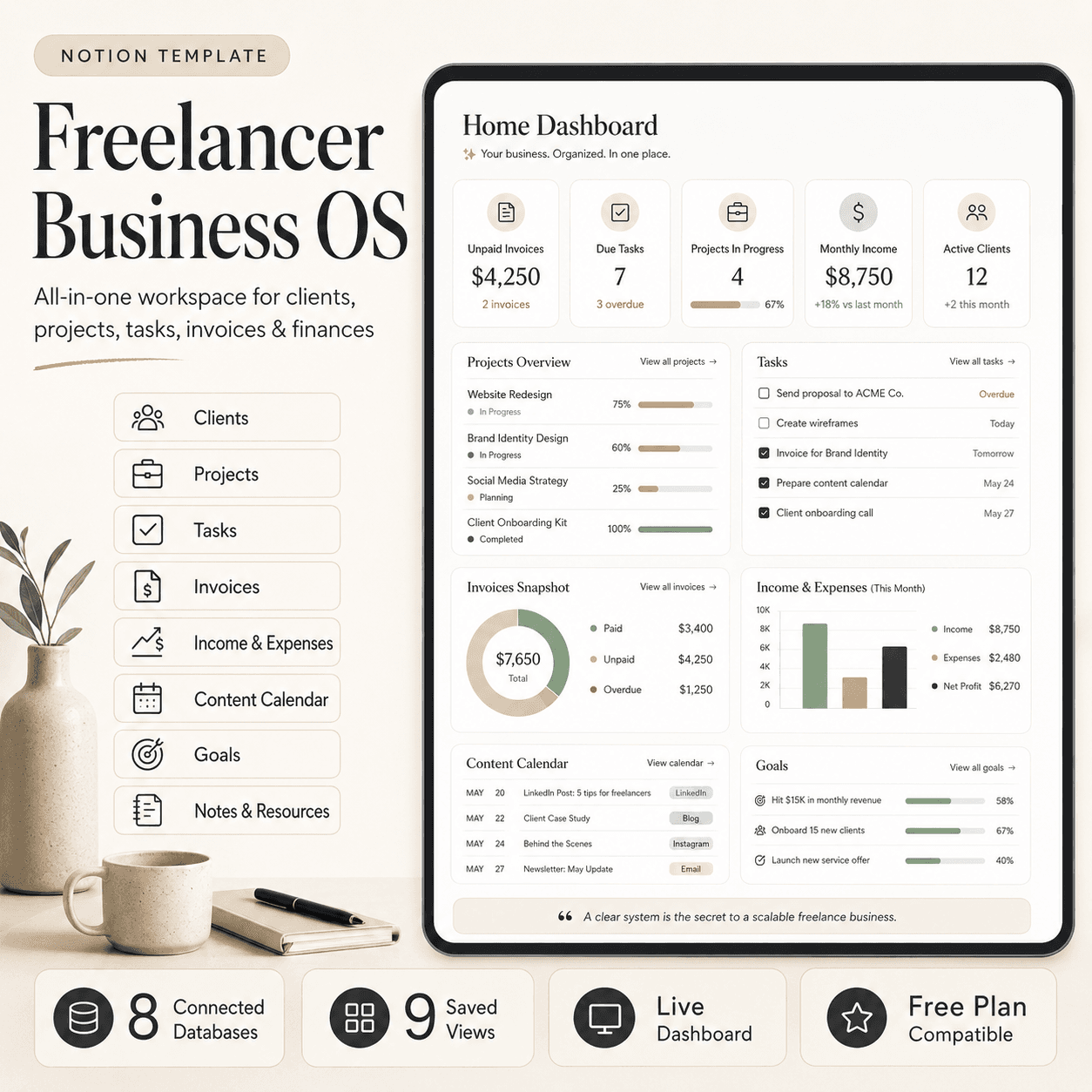 Notion
Freelancer Business OS | All-in-One Notion Template for Clients, Projects, Tasks, Invoices & Finances
$50$29.99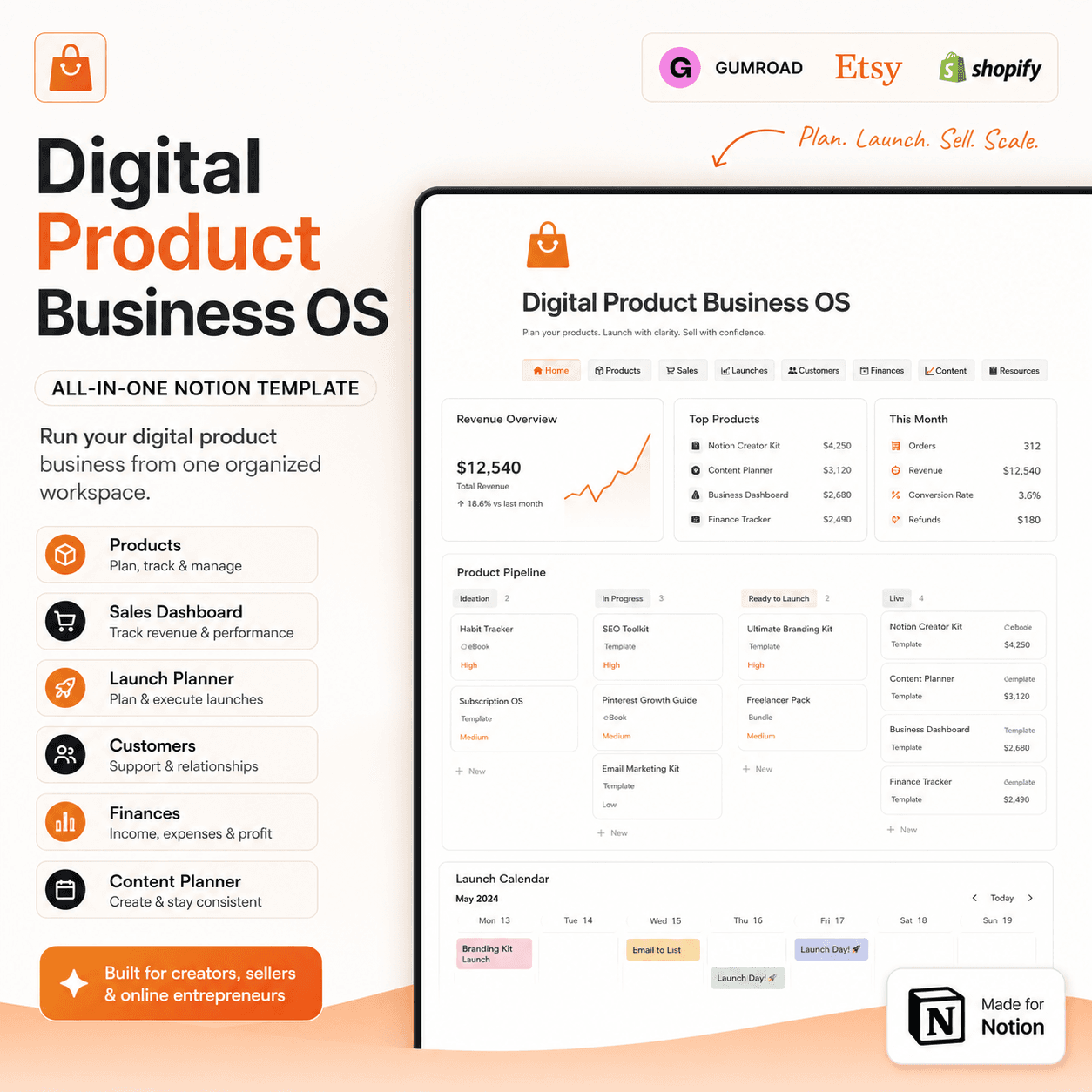 Notion
Digital Product Business OS | Notion Template for Gumroad, Etsy & Online Sellers
$50$29.99 E-books