n8n for E-commerce: Automating Orders, Inventory and Fulfillment

E-commerce operations run on a handful of high-frequency, repetitive events — a new order comes in, inventory needs updating, a customer needs a status email, a supplier needs a purchase order. Individually simple, but multiplied across hundreds of orders a week, each one becomes real operational overhead. n8n automates the connective tissue between the platforms these events happen on, so orders flow from checkout to fulfillment without someone manually re-keying data between systems.
For the broader picture of what n8n automates across a business, see our complete guide to n8n workflows.
Where e-commerce automation earns back the most time
Four areas consistently deliver the highest return for stores automating with n8n:
- Order processing — pulling new orders from your storefront into fulfillment, accounting, and shipping systems automatically.
- Inventory sync — keeping stock levels accurate across every channel you sell on, so you never oversell.
- Customer notifications — status updates, shipping confirmations, and post-purchase follow-ups sent without manual triggering.
- Supplier and fulfillment coordination — generating purchase orders or fulfillment requests automatically when stock crosses a threshold.
Automating order processing
A new-order webhook from your storefront platform is the natural trigger for this entire category. From there, a typical workflow branches into several parallel actions: writing the order to your accounting or spreadsheet system, checking inventory availability, and notifying fulfillment — all from the same trigger, instead of separate manual steps each done by a different person or tool.
The part worth getting right early is idempotency: a webhook that fires twice for the same order (a common occurrence with retries) shouldn't create two fulfillment requests. Check for an existing record matching the order ID before writing anything downstream. Shopify automation with n8n covers this exact pattern using Shopify's native webhooks.
Keeping inventory in sync across channels
Overselling — a customer buying something that's actually out of stock — happens almost exclusively because inventory numbers live in more than one place and don't update in real time. An n8n workflow triggered on every sale (across every channel you sell on) that decrements a single source-of-truth inventory count, then pushes that updated count back out to every storefront, closes this gap. The alternative — periodic batch syncs every few hours — still leaves a window where overselling can happen during high-traffic periods. WooCommerce + n8n covers the same sync pattern for WooCommerce stores.
Automating customer notifications
Order confirmation, shipping confirmation, and delivery confirmation emails are the highest-frequency customer touchpoint most stores have, and they're also the easiest to automate well: trigger off the corresponding status change (new order, tracking number assigned, marked delivered) and generate the notification from that event's data, rather than a person checking order status manually and sending updates in batches.
Post-purchase follow-up — a review request a week after delivery, a replenishment reminder for consumable products — is a natural extension of the same pattern, scheduled relative to the delivery event rather than sent all at once.
Coordinating fulfillment and suppliers
For stores that don't fulfill in-house, a workflow watching inventory levels can automatically generate a purchase order or fulfillment request to a supplier once stock crosses a reorder threshold — removing the manual step of someone checking a spreadsheet and remembering to reorder before a bestseller goes out of stock.
Marketing the store once operations are automated
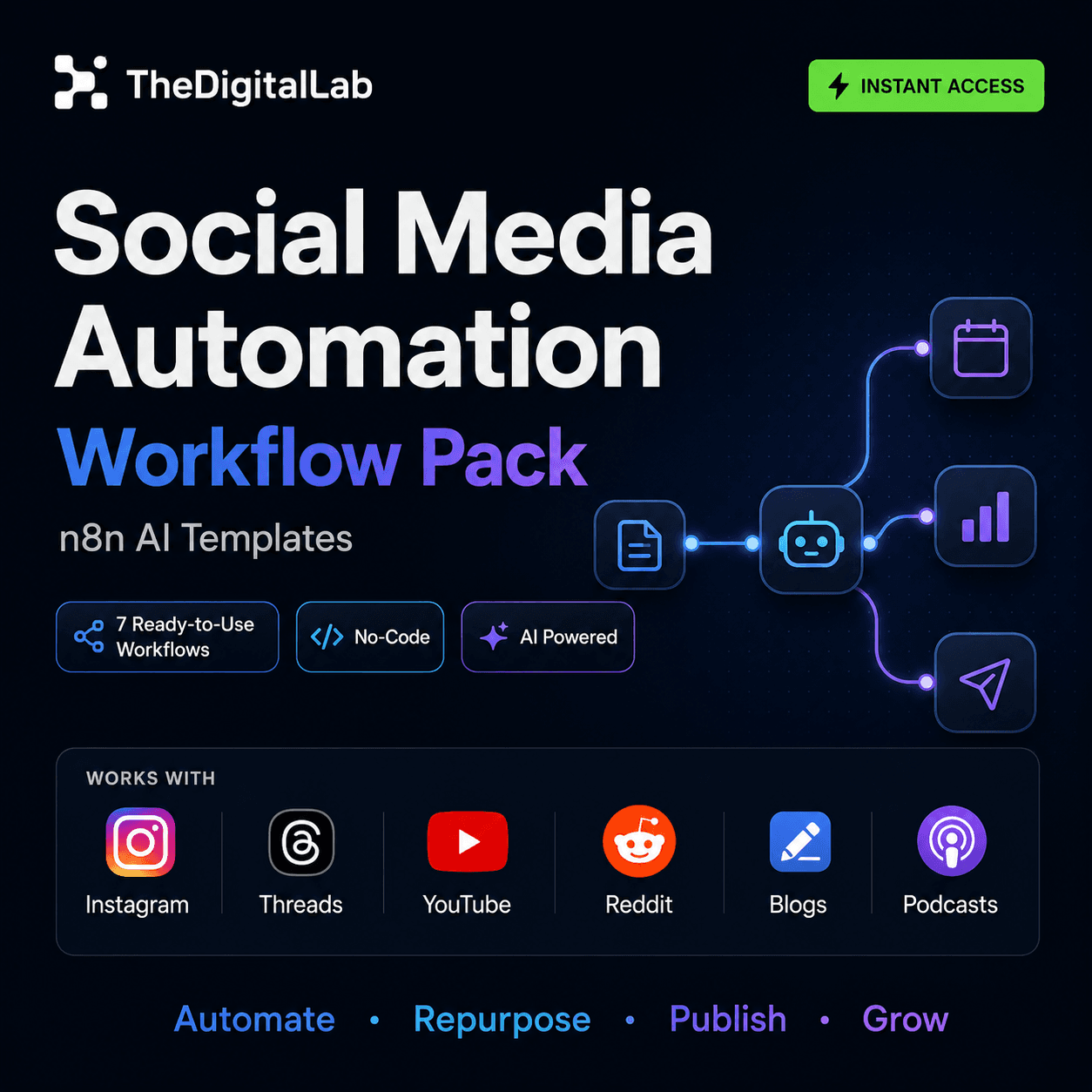
Once orders and inventory run themselves, the next-highest-leverage automation usually isn't more backend plumbing — it's promoting the store on the channels that drive traffic to it. Social media scheduling with n8n covers automating that side of the business.
What n8n doesn't replace
n8n automates the workflow logic between systems — it isn't itself an inventory database, order management system, or accounting tool. For stores that need a structured way to actually track products, orders, and profitability across multiple sales channels (Etsy, Shopify, Gumroad), our Digital Product Business OS is a Notion-based command center built for exactly that — worth pairing with the n8n workflows above rather than treating either as a replacement for the other.
Getting started
Store-specific automation details differ meaningfully between platforms — Shopify automation with n8n and WooCommerce + n8n cover the platform-specific workflows in depth, or browse n8n workflow templates for a broader starting point.
Build this with
More from the lab
View all posts →n8n Workflows: The Complete Guide to Automating Your Business
What n8n workflows actually are, when to build vs. import one, and how to use them to automate social media, lead generation, e-commerce and more.
n8n Workflow Templates: Where to Find Free, Ready-to-Use Automations
Where to find free n8n workflow templates, how to evaluate one before importing it, and when a paid workflow pack saves more time than a free template.
7 n8n Workflow Mistakes That Break Your Automations (and How to Fix Them)
The most common n8n workflow mistakes — from missing error handling to hardcoded credentials — and the specific fix for each one.