n8n Workflow Templates: Where to Find Free, Ready-to-Use Automations
Building an n8n workflow from a blank canvas takes longer than adapting one that already works. Templates exist precisely to skip that first hour of wiring nodes together — the value is in starting from a tested structure and changing only what's specific to your stack.
If you haven't built a workflow yet, start with how to build your first n8n workflow first — it'll make evaluating templates much faster once you know what each node actually does.
Where to find n8n workflow templates
n8n's official template library — Built into the n8n editor and browsable at n8n.io/workflows. Every template shows the node structure before you import it, and most are contributed by the community, so quality varies. Good starting point for common integrations (Slack, Google Sheets, Airtable) but thinner on multi-step business processes.
GitHub repositories — Searching "n8n workflow" on GitHub turns up hundreds of shared .json workflow exports. Quality is uneven and documentation is often missing entirely, so budget time to reverse-engineer what each node does before trusting it with real data.
n8n community forum — Users regularly share workflows solving specific problems, often with the reasoning behind design decisions included in the thread — genuinely useful context a bare .json export never gives you.
Paid workflow packs — Curated, tested, and typically documented bundles built around a specific business function rather than a single integration. The trade-off against free templates isn't quality of the individual nodes — it's the time you'd otherwise spend testing edge cases and writing your own documentation, and avoiding these workflow mistakes yourself.
How to evaluate a template before importing it
A template that "looks right" in the visual canvas can still be broken in ways that only surface with real data. Before importing:
- Check for hardcoded credentials or IDs. Any node referencing a specific Slack channel ID, spreadsheet ID, or API key that isn't parameterized will fail silently or worse, write to someone else's resource.
- Trace the error path. Does the workflow have error handling, or does one failed node just kill the whole run with no notification?
- Count the external dependencies. A workflow calling five different third-party APIs has five different points of failure — each with its own auth, rate limits, and possible downtime.
- Read the node count against the stated purpose. A "simple lead capture" workflow with 40 nodes is either doing far more than advertised or poorly organized.
Free template vs. paid workflow pack: which one fits?
Free templates make sense when you're automating a single, well-defined integration — sync this to that, notify when this happens. The workflow is small enough to audit fully in a few minutes, and any gaps are cheap to fix yourself. If you're still deciding whether n8n is even the right tool, n8n vs Zapier vs Make compares template ecosystems and integration breadth across all three.
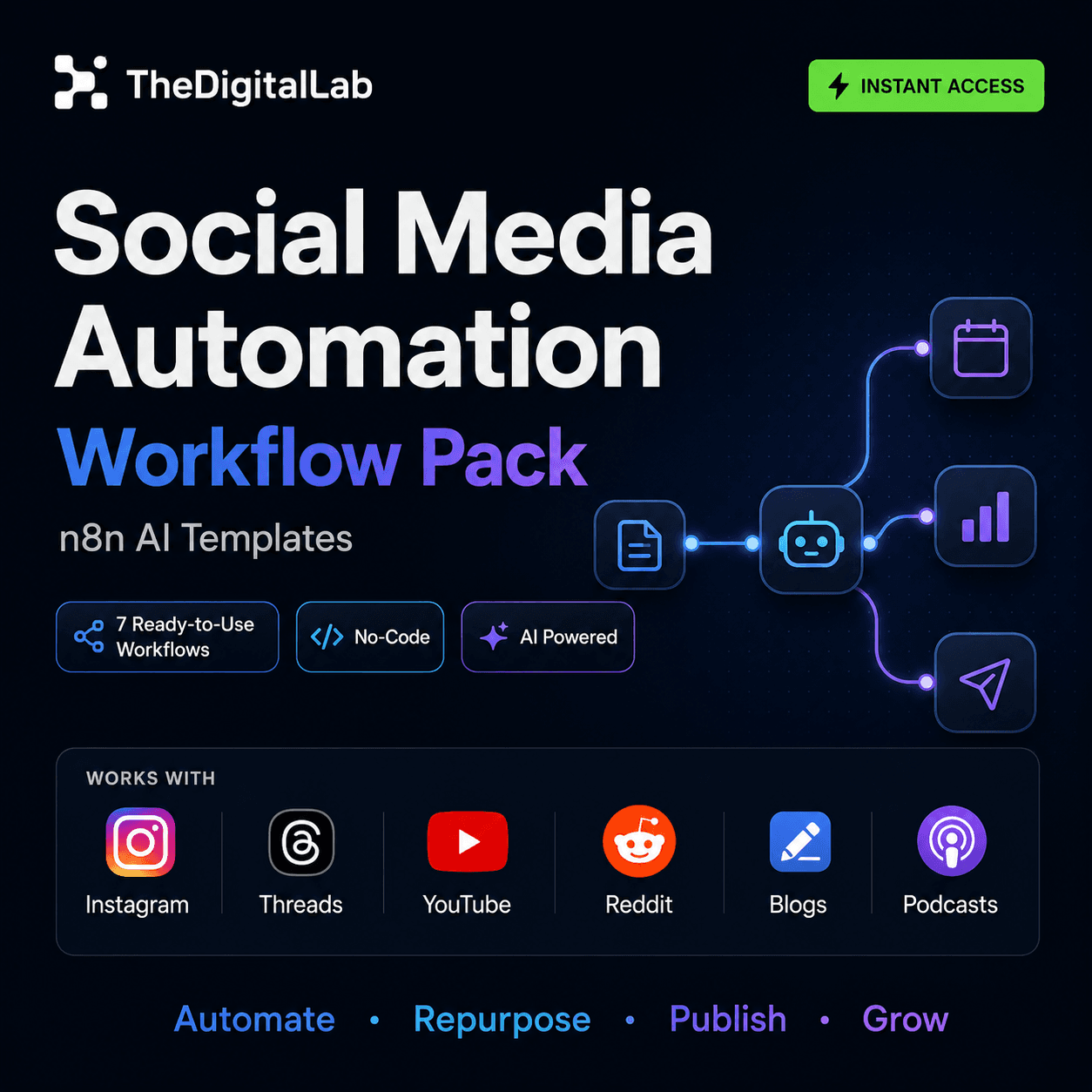
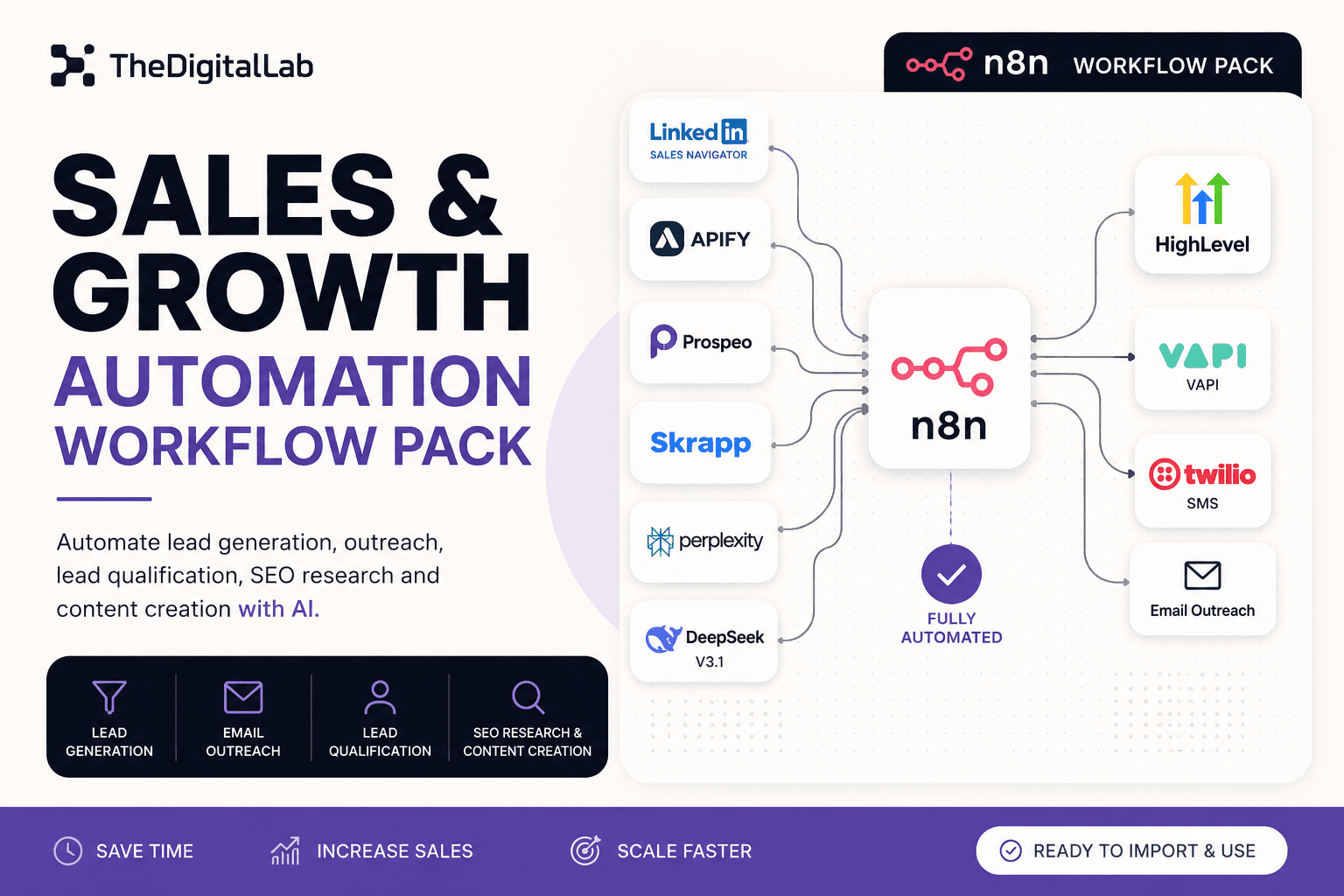
Paid workflow packs earn their cost when the automation spans multiple connected steps — the kind covered in our social media automation workflows and lead generation automation guides, where a single broken handoff between steps silently breaks the whole pipeline. Our Social Media Automation Workflow Pack and Sales & Growth Automation Workflow Pack are built and tested as complete pipelines rather than isolated nodes, so you're customizing a working system instead of assembling one from parts.
Importing a template safely
- Read the JSON before importing, or at minimum skim the node names — a template importing a "HTTP Request" node to an unfamiliar domain is worth a second look before you paste in credentials.
- Import into a test workflow first, not directly into a live, active one.
- Replace every credential reference with your own before running it against real data.
- Run it once manually with a Manual Trigger before activating any schedule or webhook trigger, so you can inspect the output at each node.
Start browsing
Whether you're looking for a single free template or a complete workflow pack, browse all n8n workflow templates to find a starting point that matches what you're trying to automate. For the bigger picture of where templates fit into your overall automation strategy, see our complete guide to n8n workflows.
Build this with
More from the lab
View all posts →n8n Workflows: The Complete Guide to Automating Your Business
What n8n workflows actually are, when to build vs. import one, and how to use them to automate social media, lead generation, e-commerce and more.
7 n8n Workflow Mistakes That Break Your Automations (and How to Fix Them)
The most common n8n workflow mistakes — from missing error handling to hardcoded credentials — and the specific fix for each one.
 Automation
WooCommerce + n8n: Automate Order Processing and Customer Emails
How to connect WooCommerce to n8n using webhooks and the REST API to automate order processing, inventory alerts, and customer notifications.