7 n8n Workflows to Automate Social Media Content

Content creators and agencies don't run out of ideas. They run out of hours — the ones spent copy-pasting a YouTube transcript into a blog draft, cropping a clip for Instagram, writing a caption for Threads, and doing it all again for next week's video.
Why content pipelines break down before they scale
Most "social media automation" advice stops at scheduling — queue up posts in a calendar tool and call it done. That solves publishing, not the research, repurposing and engagement work that happens before and after a post goes live. The real bottleneck is everything between "I have an idea" and "it's live on five platforms."
How do you automate content repurposing across platforms?
The reliable pattern is Research → Create → Repurpose → Publish → Engage — treat each stage as its own automated step instead of one giant script. A research workflow pulls fresh source material: a competitor's YouTube channel, a subreddit, the day's news. A creation workflow turns that material into a first draft — a transcript rewritten as a podcast script, a news story rewritten as a blog post. A repurposing step reformats that draft for each destination: blog post, email newsletter, short caption. A publishing step pushes the finished piece live through the platform's own API. An engagement workflow handles what happens after — replying to comments, tracking what performed. Wire those five stages together once in n8n, and every new piece of source content flows through the same pipeline automatically.
Turn one YouTube video into a podcast episode automatically
A YouTube-to-podcast workflow can detect a newly published video, pull its transcript, rewrite it into a podcast-friendly script, generate narration with an AI voice model, and publish the finished episode — titles and description included — on a schedule. What used to be an afternoon of editing becomes a background job. Our Social Media Automation Workflow Pack ships this exact workflow, along with six others, ready to import.
Repurpose news, research and Reddit threads into blog posts and newsletters
The same fan-out logic applies upstream of publishing. A research workflow can scan a set of YouTube channels or subreddits daily, score what's worth covering, and hand it to a writing workflow that drafts a full blog post — headline, excerpt and URL slug included. A parallel workflow can do the same for a niche newsletter: pull the week's best community discussion, format it as an email, and send it without anyone opening a blank document. For the full breakdown of turning one piece of source content into a week of platform-specific posts, see how to repurpose one content idea into a full week of posts.
Publish once, everywhere — Instagram, Threads and beyond
Auto-posting only earns back real time when it covers the last mile too: pushing finished content to Instagram and Threads through their own APIs, and handling the replies that come back. An AI auto-reply workflow can read an incoming comment, draft an on-brand response, and hand it back for one-click approval — so engagement doesn't quietly become the new full-time job automation was supposed to remove. For the scheduling layer that ties this to LinkedIn and X as well, see social media scheduling with n8n.
- YouTube video → podcast episode, fully automated
- AI-driven YouTube research and content-idea discovery
- News and web research → structured blog posts
- Reddit threads → a scheduled email newsletter
- AI story video generator with consistent characters and narration
- Instagram and Threads auto-publishing
- AI auto-reply system for Threads engagement
The teams that keep publishing consistently aren't the ones with more content ideas — they're the ones who never manually touch the same piece of content twice.
— Dana Reyes
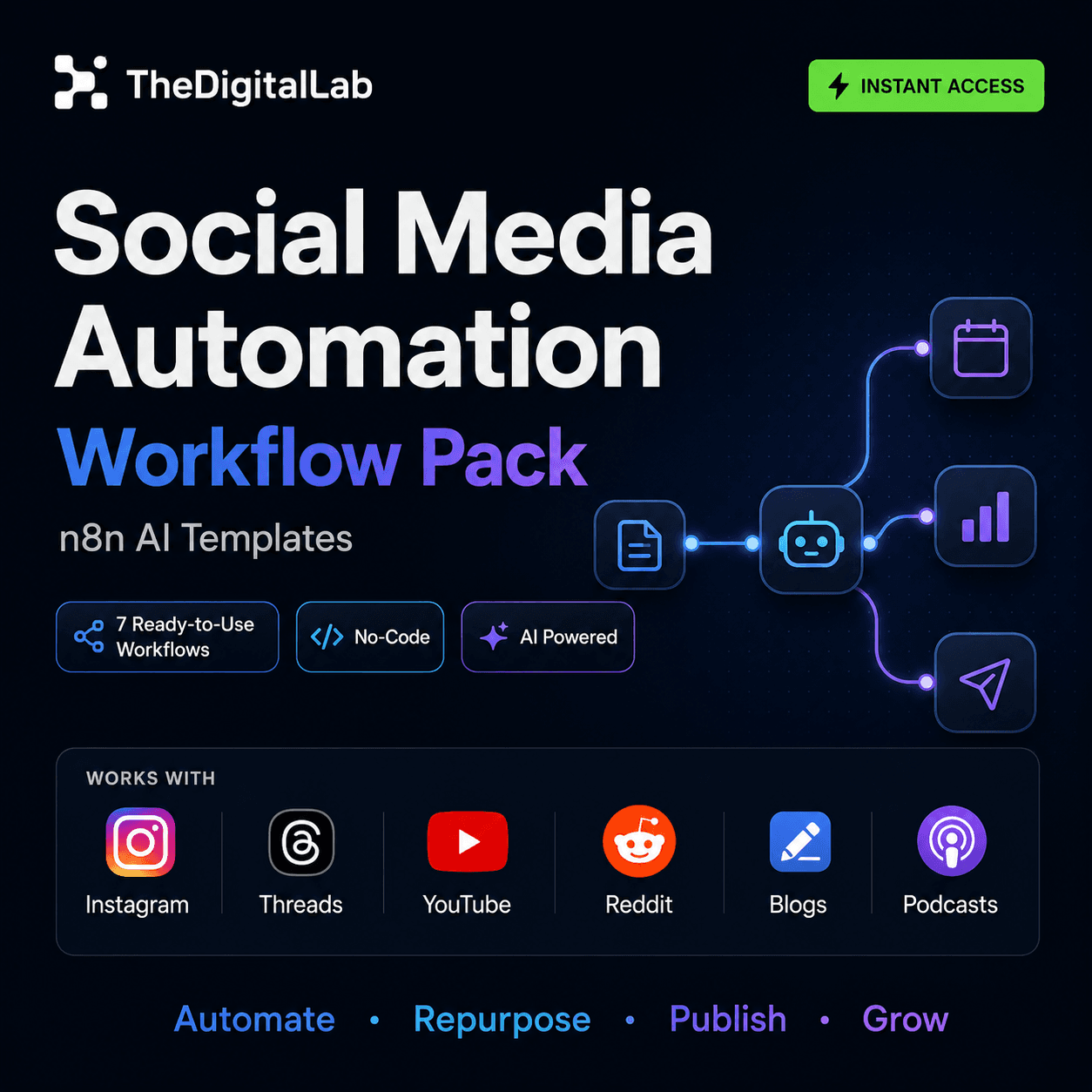
Every workflow imports straight into your own n8n instance. You'll need your own accounts and API keys for whichever tools each one touches — this is a template pack, not a managed service — but the automation logic, prompts and schedule triggers are already built, so you're customizing a working pipeline instead of starting from a blank canvas.
For the bigger picture of what else n8n automates beyond content, see our complete guide to n8n workflows.
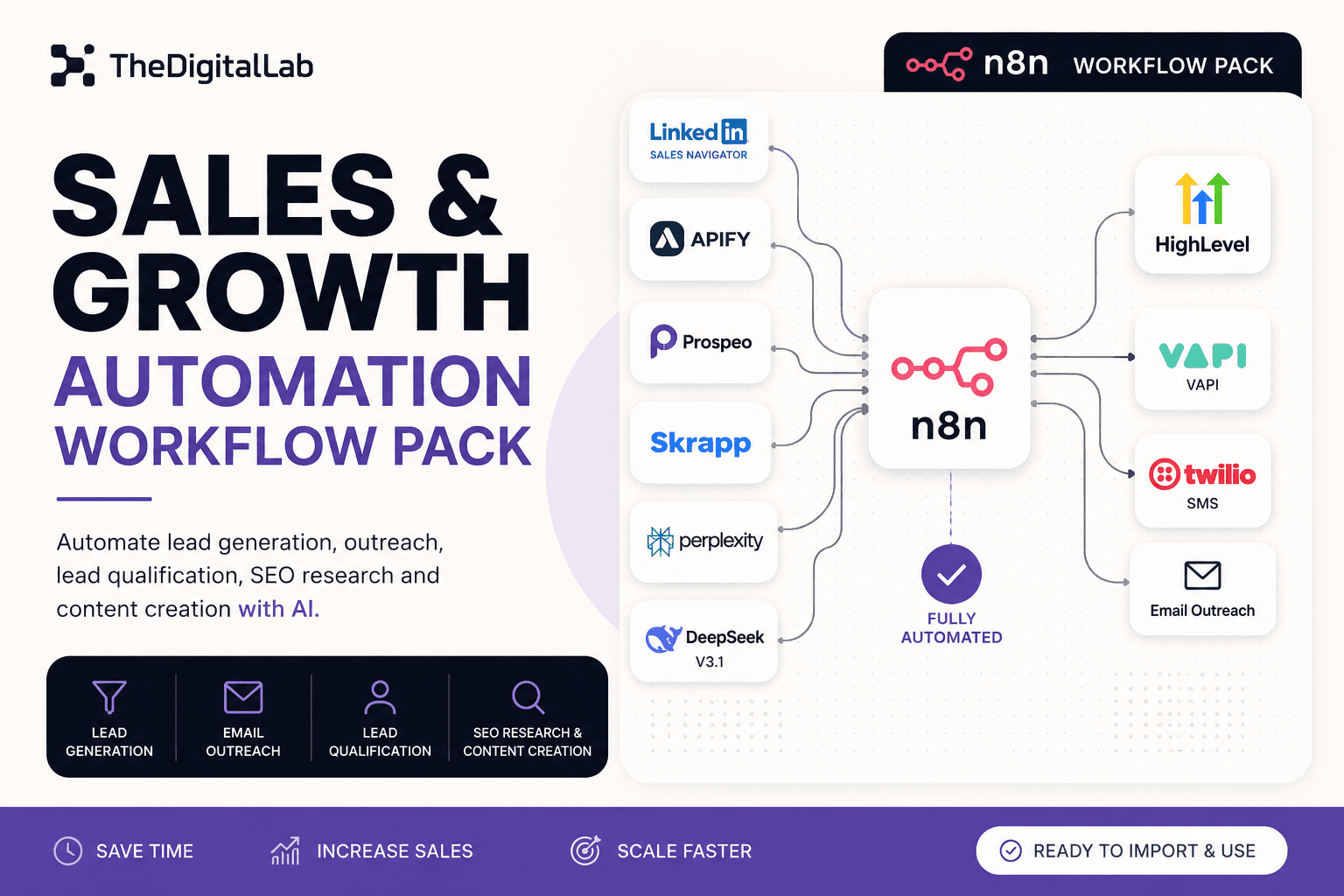
Build this with
More from the lab
View all posts →n8n Workflows: The Complete Guide to Automating Your Business
What n8n workflows actually are, when to build vs. import one, and how to use them to automate social media, lead generation, e-commerce and more.
n8n Workflow Templates: Where to Find Free, Ready-to-Use Automations
Where to find free n8n workflow templates, how to evaluate one before importing it, and when a paid workflow pack saves more time than a free template.
7 n8n Workflow Mistakes That Break Your Automations (and How to Fix Them)
The most common n8n workflow mistakes — from missing error handling to hardcoded credentials — and the specific fix for each one.