Free vs. Paid Notion Templates: Which Should You Actually Use?

Search "Notion template" and you'll find two very different markets living on the same platform — thousands of free duplication links scattered across galleries and Pinterest boards, and a smaller field of paid systems from creators who maintain and document what they sell. Neither is universally the right answer. The right one depends on what you're actually building. (For the broader picture of what makes any template worth adopting, see our complete guide to Notion templates.)
What you're really paying for with a paid template
A free template gives you a starting structure. A paid one usually gives you four things a free duplicate doesn't: a database designed for your specific use case rather than a generic one, written setup documentation, ongoing maintenance as Notion adds and changes features, and — from a reputable creator — support if something breaks. None of that matters for a simple weekend project. All of it matters once a system is running a real part of your work.
When a free template is genuinely enough
Free is the right call for simple, low-stakes builds: a single reading list, a basic weekly planner, a one-off event tracker. If the system is flat — one database, a handful of properties, no relations to other tables — there's rarely enough complexity in it to justify paying, and Notion's own gallery plus community creators cover this ground well. How to create a Notion template from scratch is worth reading before you go looking, since building a simple system yourself often takes less time than evaluating five free options.
Students are a good example of this end of the spectrum — most academic use cases (class schedules, assignment trackers, simple study logs) are simple enough that free covers them completely. The best Notion templates for students rounds up exactly which free builds are worth grabbing.
When paying for a template actually saves you time
The calculation flips once a system needs to hold multiple connected databases with relations and rollups between them — the kind of structure where getting the schema wrong on day one means rebuilding it three months in once it's full of real data. That's the case for running an entire company, a serious personal knowledge system, or a content pipeline with multiple stages and stakeholders.
We built three systems specifically for that tier of complexity:
- Founder OS — runs goals, CRM, hiring, docs and dashboards from one connected workspace, so a founder isn't stitching together four separate tools.
- Content Engine — tracks every piece of content from idea to published across channels, with the calendar and status views built in from the start.
- Second Brain Pro — a PARA-based personal knowledge system with a capture inbox and spaced review already wired up, not something you have to design yourself.
Each of those exists because the free-template version of the same idea usually stalls at the same point: the databases aren't related to each other, so "projects" and "tasks" and "contacts" live as three disconnected lists instead of one system you can actually query.
A quick test before you pay for anything
Before buying any template, duplicate a free alternative first and try to answer one question inside it after ten minutes of use: "what's overdue and who owns it?" If you can't answer that without opening three separate pages, the free version is missing the relations that make a system worth paying for — and that's the specific gap a paid template needs to close, not just nicer icons or a better cover image. This test matters more than reading feature lists, because a template's marketing page rarely shows you how the databases actually connect to each other underneath.
Founders and small teams
If you're deciding what to run your business on, Notion templates for founders and startups covers the specific systems worth adopting at that stage, and how to turn Notion into a CRM covers the one database structure most founders end up needing regardless of which broader template they choose.
Make sure Notion is the right base tool first
All of this assumes Notion itself is the right foundation for what you're building. If you're still weighing that against a more purpose-built tool, Notion vs. Trello vs. ClickUp is worth reading before you spend money on a template for the wrong platform.
The honest bottom line
Free templates are a fine starting point for almost anything, and there's no shame in outgrowing one. The moment you notice yourself manually copying data between two databases that should be related, or rebuilding the same view for the third time, that's the signal a paid, purpose-built system will save you more than it costs. Browse Notion templates if you've hit that point and want a system that's already built for the way you actually work, instead of one more free duplicate to restructure yourself.
Build this with
 Notion
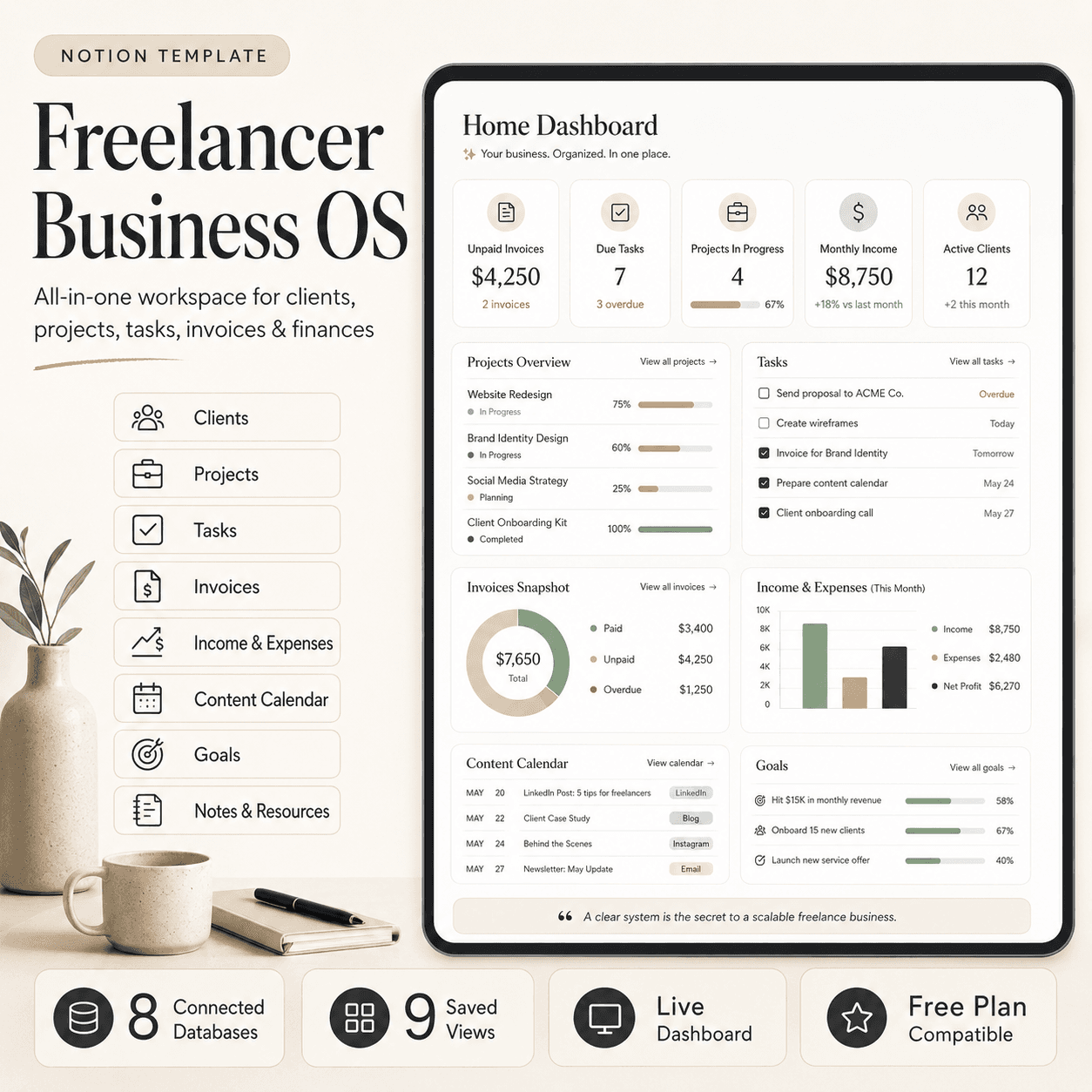
Freelancer Business OS | All-in-One Notion Template for Clients, Projects, Tasks, Invoices & Finances
$50$29.99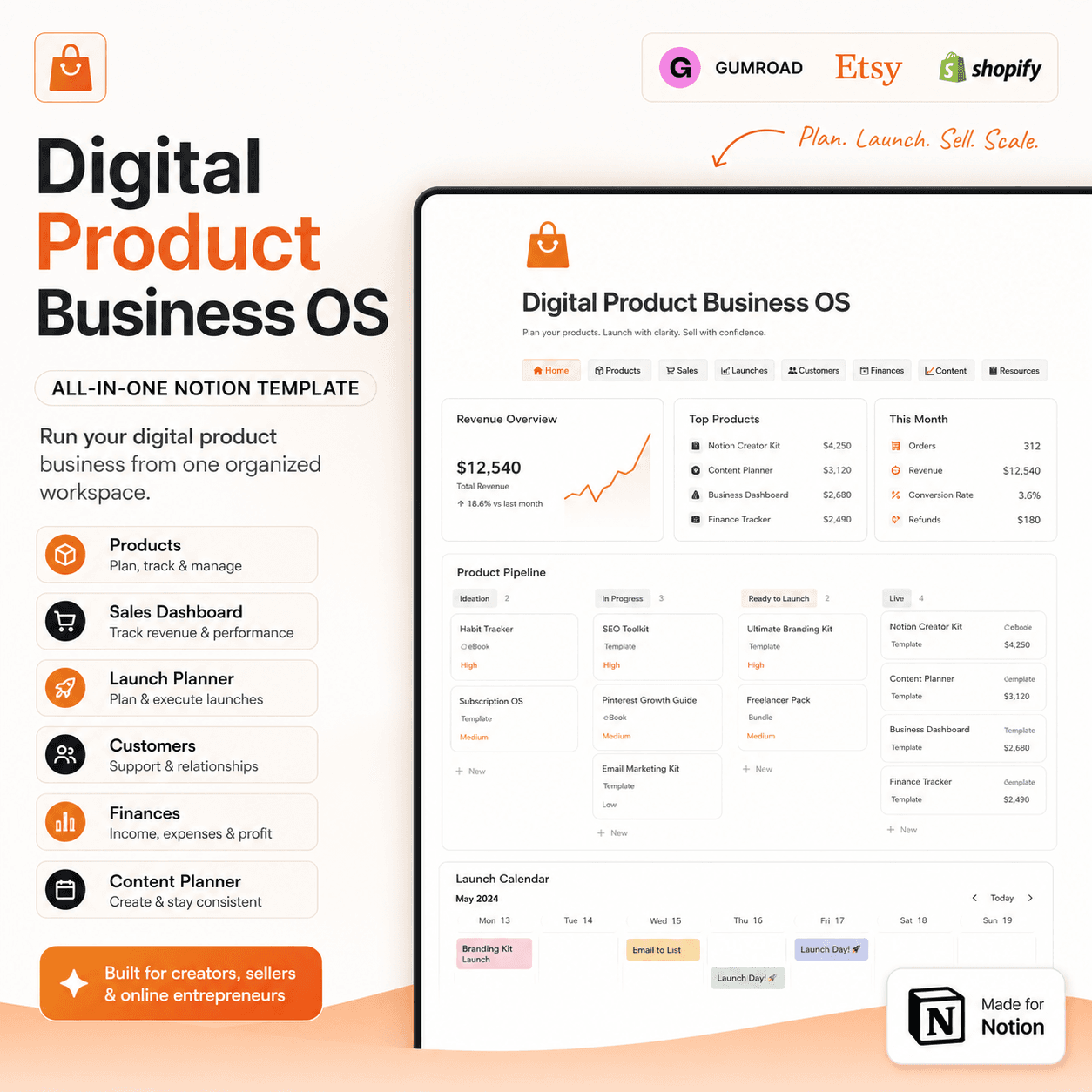 Notion
Digital Product Business OS | Notion Template for Gumroad, Etsy & Online Sellers
$50$29.99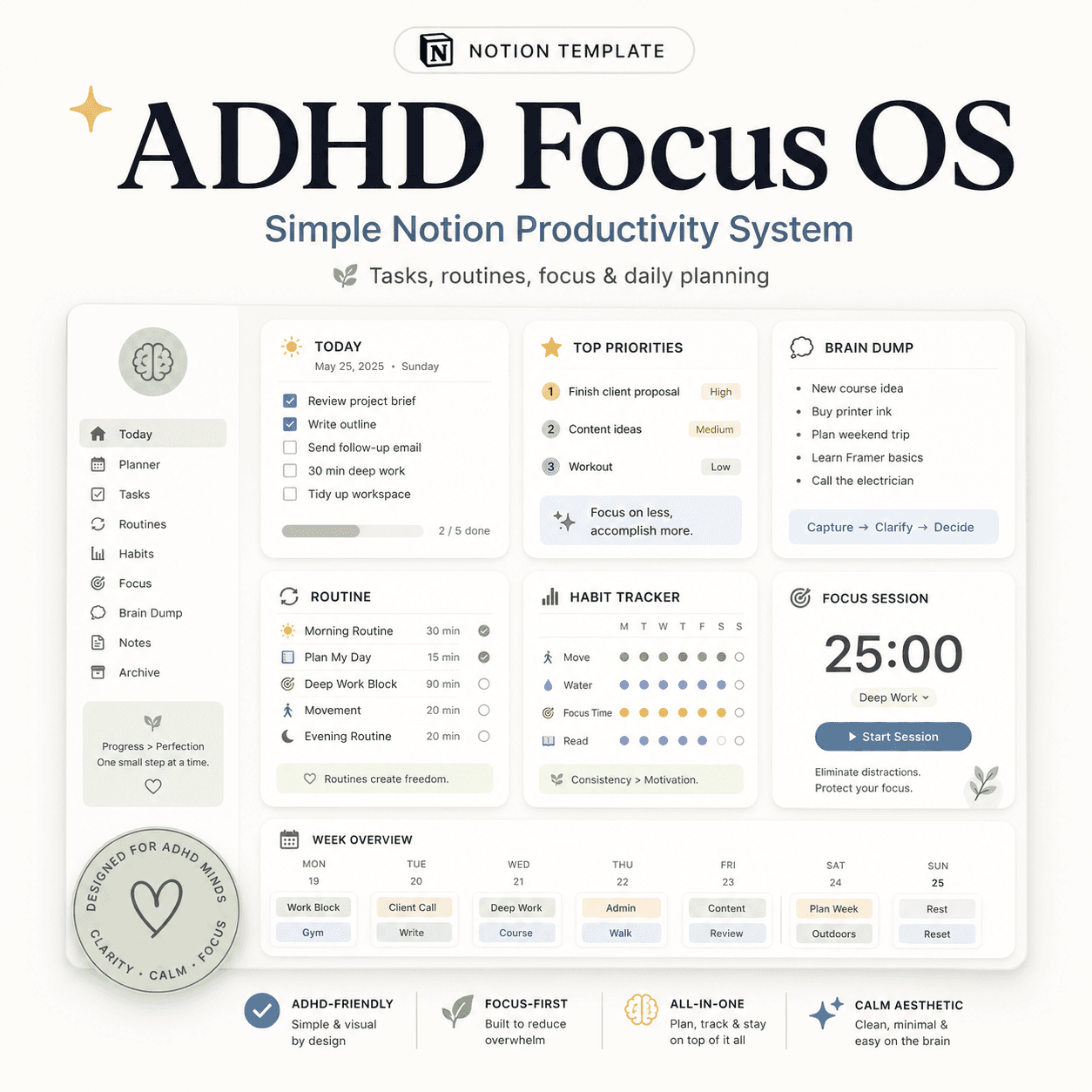 Notion
ADHD Focus OS | Simple Notion Productivity System for Tasks, Routines & Daily Planning
$50$29.99More from the lab
View all posts → Notion
The PARA Method in Notion: A Complete Setup Guide
How to build Projects, Areas, Resources and Archives as related Notion databases — not just four static pages — so the system actually holds up as it grows.
 Notion
Notion vs Trello vs ClickUp: Which One Should You Actually Use?
Where Notion, Trello and ClickUp each actually win — connected knowledge and flexible databases, dead-simple boards, or heavier built-in project management.
 Notion
Notion Templates: The Complete Guide to Building Your Best Workspace
What actually makes a Notion template worth using, free vs. paid trade-offs, and how to pick the right system for founders, personal productivity, content teams and more.