Is Notion Free? Notion Pricing Explained (Free vs Plus vs Business)

Notion's free plan is generous enough that most solo users never hit a wall that forces an upgrade — the paid tiers exist mainly for team permissions, larger file limits, and admin controls rather than gating core database functionality behind a paywall. (See our complete guide to Notion templates for how pricing fits into the bigger picture of choosing and running a Notion workspace.)
What the free plan actually includes
The free tier covers unlimited pages and blocks for individual use, unlimited database views, and access to the core features that make Notion useful in the first place — relations, rollups, formulas, linked databases. There's no artificial cap on the sophistication of a system you build; a solo user can run a full multi-database second brain or a personal CRM entirely on the free plan without hitting a feature wall.
Where the free plan actually stops being enough
The real limits show up around collaboration and scale, not personal use: the free plan caps the number of guest collaborators you can invite, limits file upload size per file, and doesn't include the team-level admin controls (member management, advanced permissions, SSO on higher tiers) that a growing team eventually needs. A solo founder building Founder OS for themselves can run it entirely free; the moment that founder brings on a second or third team member who needs their own login and specific page permissions, that's usually the trigger to upgrade.
Plus and Business: what you're actually paying for
The Plus tier removes the guest and file-size caps and adds unlimited file uploads, which matters once a workspace has more than a couple of active external collaborators or teams sharing larger files (design assets, videos) directly in Notion. Business adds SAML SSO, more granular permissions, and admin tools aimed at larger organizations rather than small teams. For most small businesses and founders, Plus is the tier that actually matters — Business's additional features are aimed at a scale most early-stage teams haven't reached yet.
The guest-limit trap that catches teams off guard
The most common surprise upgrade trigger isn't a feature gap — it's the free plan's guest limit, which teams often don't notice until they try to bring on a contractor, an accountant, or a client who needs view access to one page and discover they've hit the cap. Because this limit is about people, not features, it can force an upgrade decision at an awkward moment (mid-project, needing a client to see something today) rather than as a planned decision — worth checking against your current or expected guest count well before you actually need to add someone.
Deciding if you need to upgrade at all
If your Notion workspace is solo or a two-person operation without external guests needing access, there's a real chance you never need to pay Notion anything, regardless of how sophisticated the system itself is. Notion for small business owners covers exactly this scenario — a lean operation that can run its entire CRM, project tracking and documentation on the free plan for a long time before team growth forces an upgrade decision.
Comparing the total cost against alternatives
Notion's pricing structure — free for individuals, per-seat for teams — looks different against Trello and ClickUp's own tiers, and the right comparison depends on team size and how you're actually using the tool. Notion vs. Trello vs. ClickUp breaks down where each tool wins on both features and total cost as a team scales past a handful of people.
Build this with
 Notion
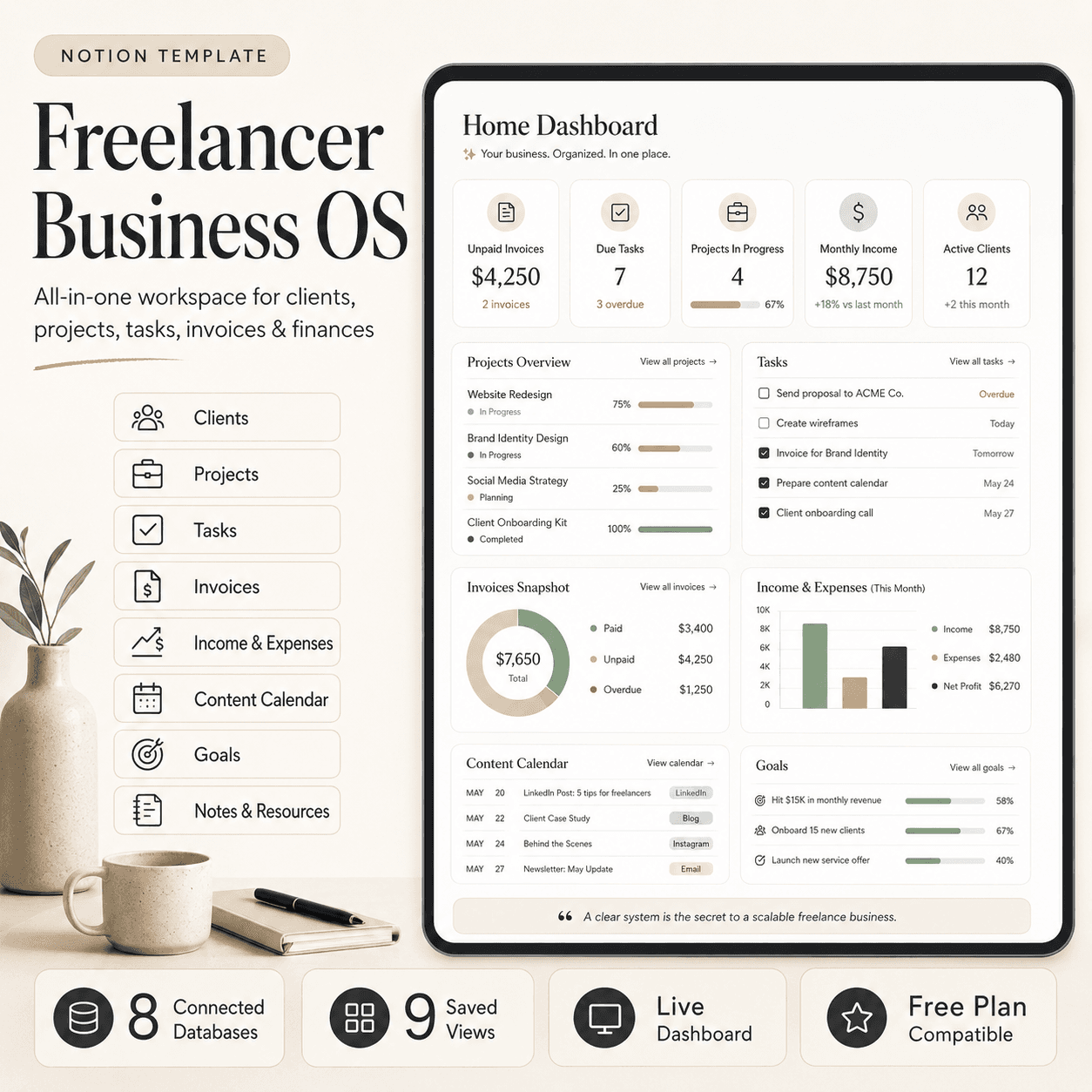
Freelancer Business OS | All-in-One Notion Template for Clients, Projects, Tasks, Invoices & Finances
$50$29.99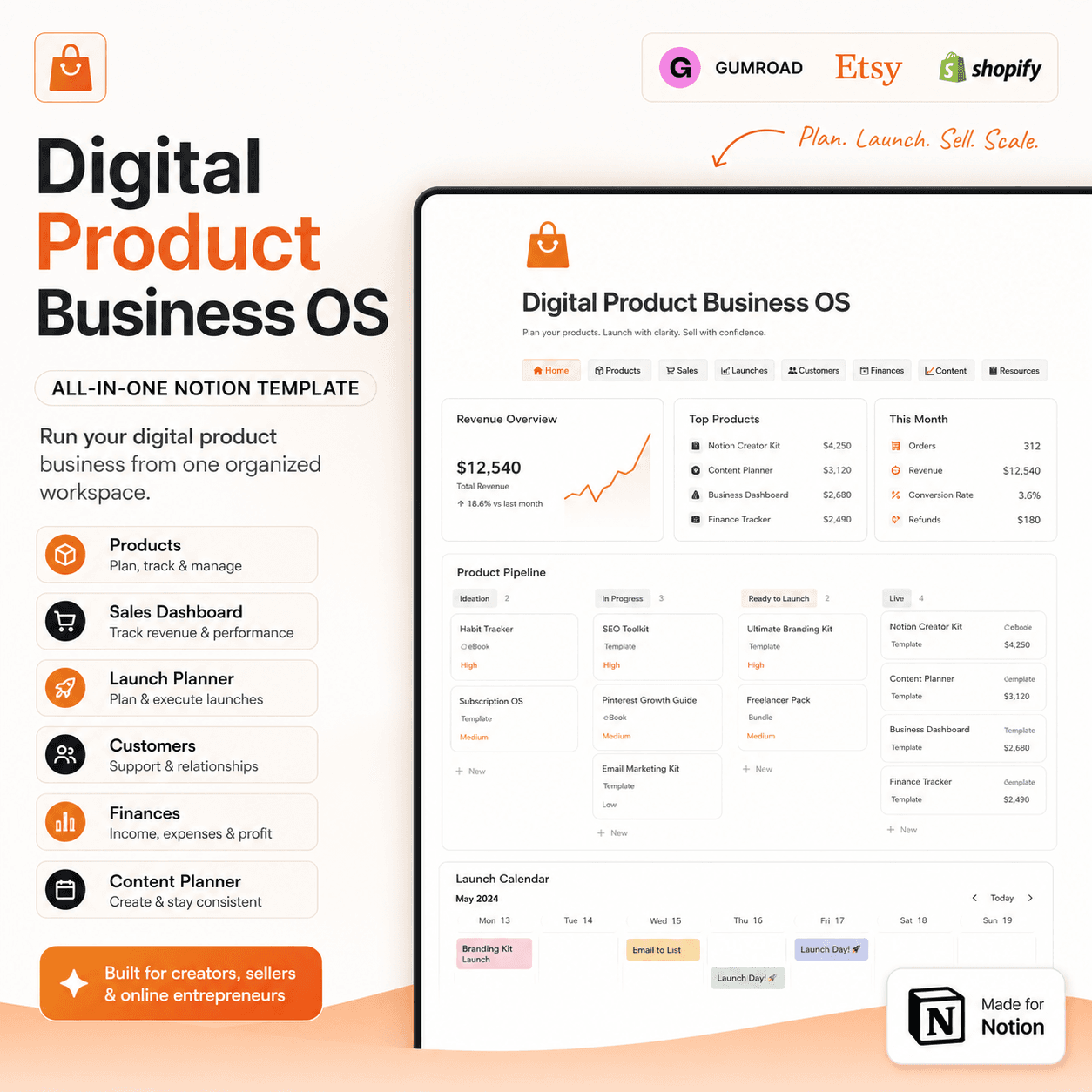 Notion
Digital Product Business OS | Notion Template for Gumroad, Etsy & Online Sellers
$50$29.99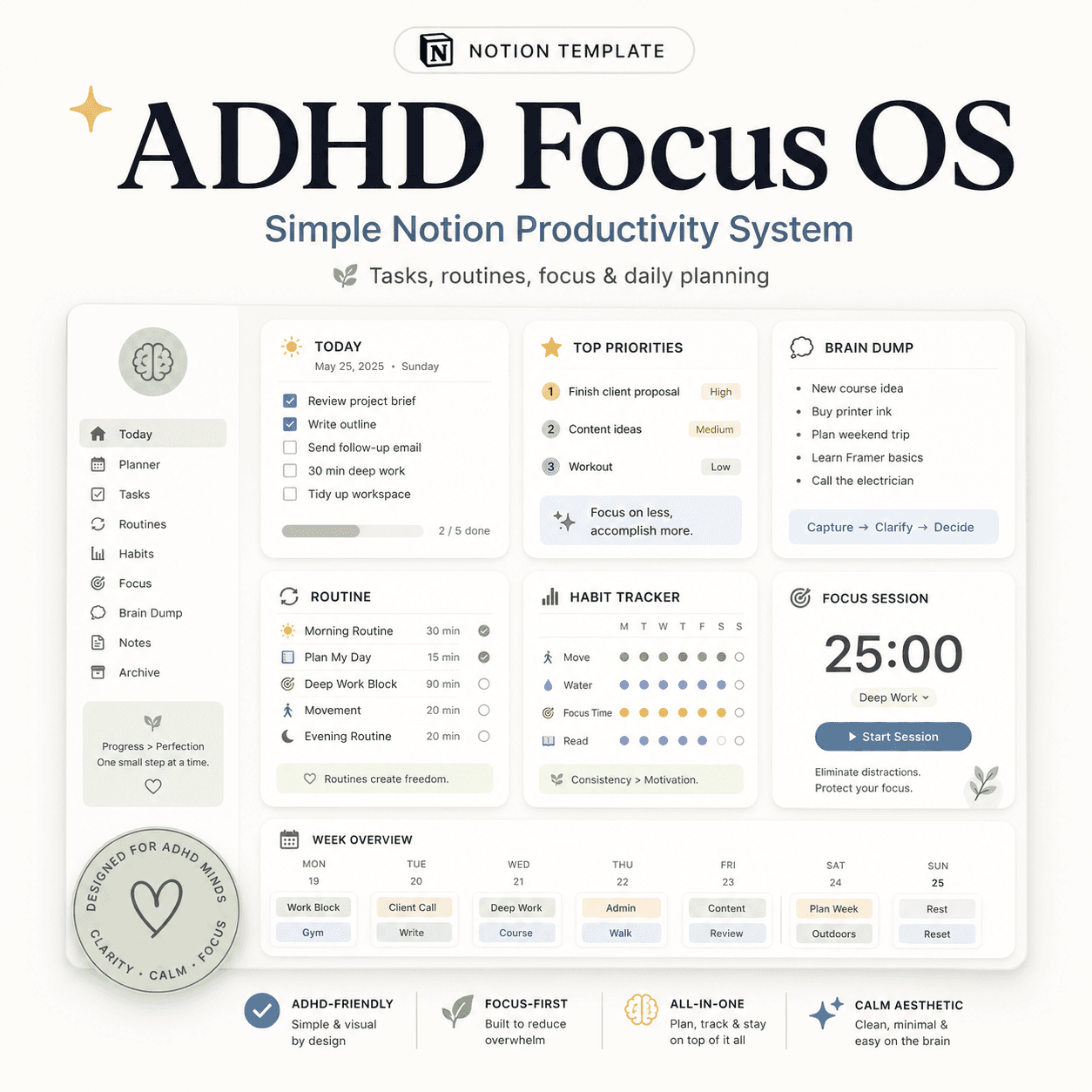 Notion
ADHD Focus OS | Simple Notion Productivity System for Tasks, Routines & Daily Planning
$50$29.99More from the lab
View all posts → Notion
The PARA Method in Notion: A Complete Setup Guide
How to build Projects, Areas, Resources and Archives as related Notion databases — not just four static pages — so the system actually holds up as it grows.
 Notion
Notion vs Trello vs ClickUp: Which One Should You Actually Use?
Where Notion, Trello and ClickUp each actually win — connected knowledge and flexible databases, dead-simple boards, or heavier built-in project management.
 Notion
Notion Templates: The Complete Guide to Building Your Best Workspace
What actually makes a Notion template worth using, free vs. paid trade-offs, and how to pick the right system for founders, personal productivity, content teams and more.