Notion Habit Tracker Templates: Build a System That Sticks

Most Notion habit trackers get abandoned for the same reason paper ones do — logging a habit takes more friction than the habit itself. The templates that actually last past week two are the ones that reduce that friction to almost nothing, usually through a single daily database entry rather than a grid you have to manually check off. (See our complete guide to Notion templates for how a habit tracker fits alongside a broader personal system.)
The single-database approach that survives daily use
The simplest structure that actually holds up: one database, one row per day, with a checkbox or multi-select property per habit you're tracking. A calendar view turns that into a visual streak you can see at a glance, and a formula property can calculate a running streak count automatically — turning a passive log into something that gives you a small win every time you check it.
Why grid-style trackers usually fail
A common first attempt is a spreadsheet-style grid — habits down one side, days across the top — recreated as a Notion table. It looks clean, but Notion's table view isn't built for that grid interaction pattern, so checking off a habit means finding the right cell in a wide table rather than a single tap. The friction that creates is usually why grid-style Notion trackers get abandoned faster than the single-row-per-day version.
Habits that need more than a checkbox
Not every habit is binary. Tracking water intake, pages read, or minutes exercised needs a number property instead of a checkbox, and a rollup or chart view (Notion's newer chart blocks work well here) to visualize the trend over time rather than just a daily checkmark. Building this in from the start avoids having to restructure the database later once a simple yes/no habit stops being enough information.
Don't track more than five habits at once
A tracker with fifteen habits logged daily rarely survives more than a few weeks — not because the database is wrong, but because the daily entry itself becomes a chore. Trackers that last tend to cap active habits around three to five at a time, retiring one once it's automatic and adding a new one in its place, rather than accumulating an ever-growing list that turns a thirty-second daily log into a five-minute form.
Pairing a habit tracker with a bigger system
A habit tracker manages daily behavior; it doesn't manage what you're learning or working toward long-term — that's a different kind of system. The best Notion second brain templates covers the PARA-based approach to that broader layer, and the PARA method in Notion covers the setup in detail. Second Brain Pro pairs well alongside a dedicated habit tracker for exactly this reason — it's a personal knowledge system, not a tracker itself, but the two are natural companions since an Area in PARA (like health or a recurring practice) is often exactly what a habit tracker is measuring day to day.
Keeping it simple is the real trick
The habit trackers that last are almost always the simplest ones — one database, a fast daily entry, a streak you can see without digging. If you're building your own rather than adopting a packaged template, how to create a Notion template from scratch covers the same database-first thinking that applies here: start with the single daily-entry database before adding any additional views or properties, and only add complexity once you've proven you'll actually use the simple version consistently.
Build this with
 Notion
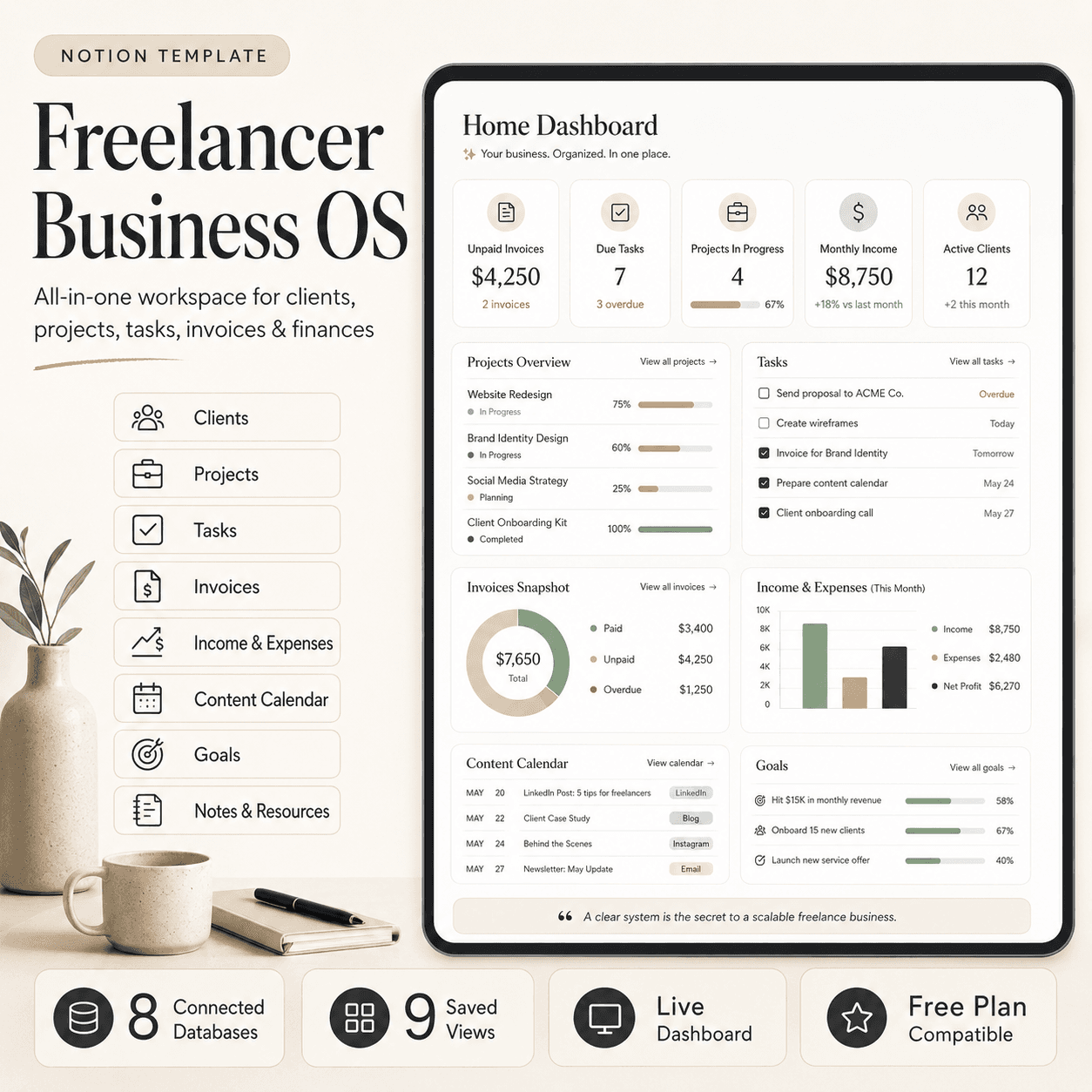
Freelancer Business OS | All-in-One Notion Template for Clients, Projects, Tasks, Invoices & Finances
$50$29.99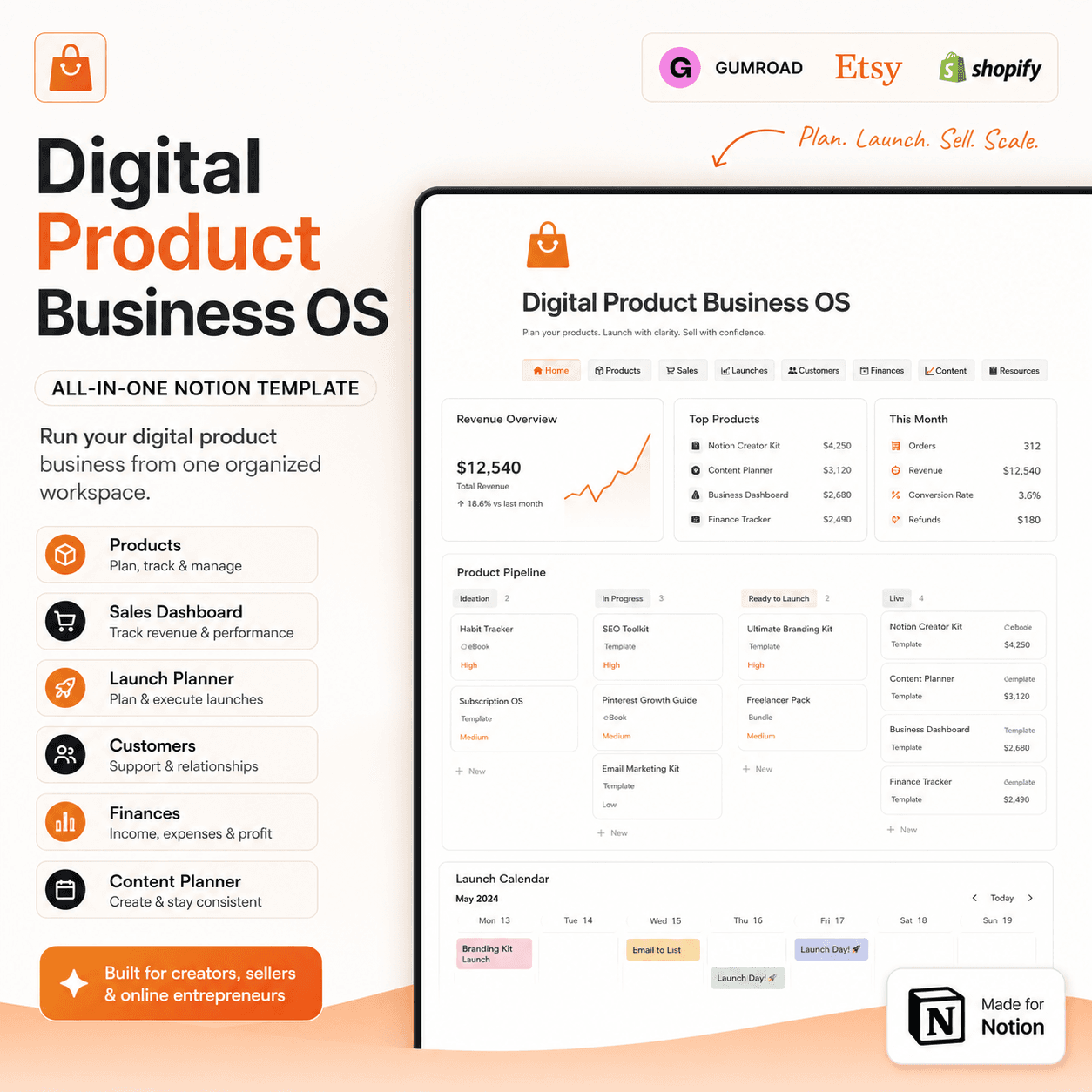 Notion
Digital Product Business OS | Notion Template for Gumroad, Etsy & Online Sellers
$50$29.99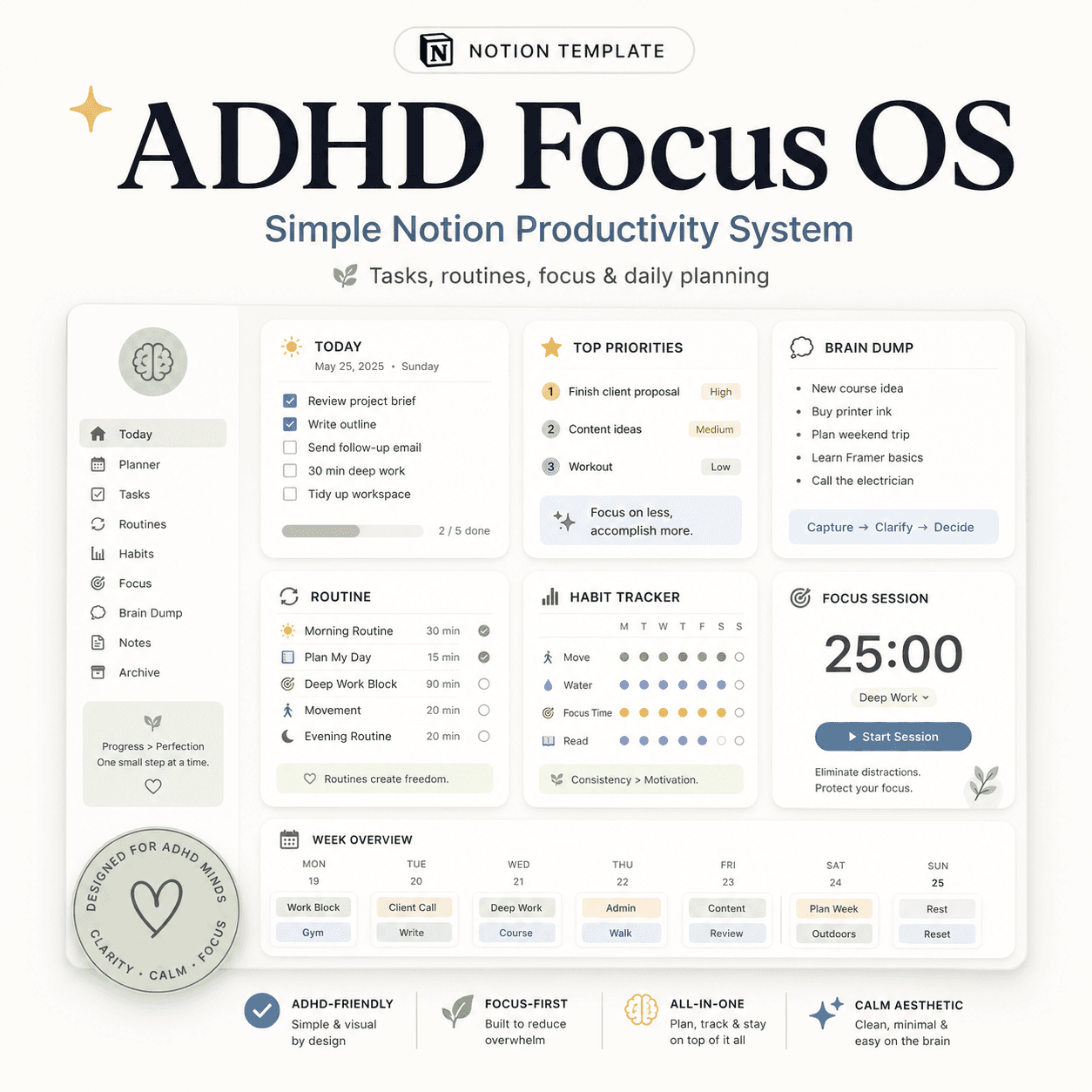 Notion
ADHD Focus OS | Simple Notion Productivity System for Tasks, Routines & Daily Planning
$50$29.99More from the lab
View all posts → Notion
The PARA Method in Notion: A Complete Setup Guide
How to build Projects, Areas, Resources and Archives as related Notion databases — not just four static pages — so the system actually holds up as it grows.
 Notion
Notion vs Trello vs ClickUp: Which One Should You Actually Use?
Where Notion, Trello and ClickUp each actually win — connected knowledge and flexible databases, dead-simple boards, or heavier built-in project management.
 Notion
Notion Templates: The Complete Guide to Building Your Best Workspace
What actually makes a Notion template worth using, free vs. paid trade-offs, and how to pick the right system for founders, personal productivity, content teams and more.