Notion Project Management Templates for Teams That Ship
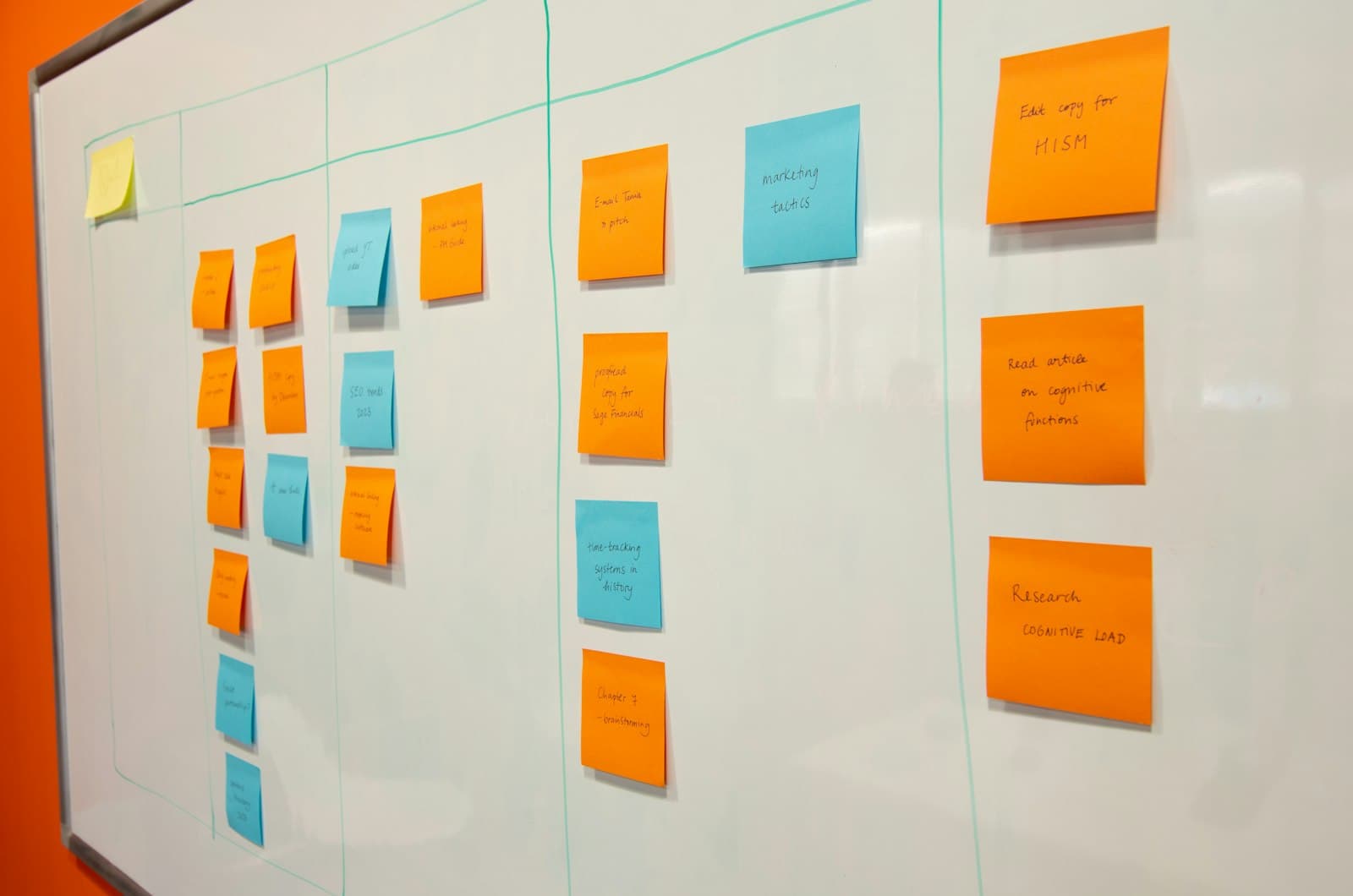
A shared task list works fine for a team of two with a handful of items. It stops working the moment a project has real dependencies — task B can't start until task A is done, three people are each waiting on a different piece, and a deadline slip on one item cascades into three others. That's the point where a team needs an actual project management structure inside Notion, not just a longer checklist. (See our complete guide to Notion templates for how project tracking fits alongside content and company-operations systems.)
The core structure: Projects, Tasks, and the relation between them
A project database and a tasks database, related to each other, is the minimum structure that scales past a flat list. Each project rolls up its tasks' completion status automatically, giving you an at-a-glance percentage-complete without manually updating a project-level status field every time a task closes. Tasks carry their own owner, due date, and status properties, and — critically — a relation to other tasks they depend on, so a blocked task is visible as blocked rather than just sitting unstarted with no indication why.
Views that make delivery visible
A board view grouped by status covers day-to-day standups. A timeline (Notion's native timeline view) covers the calendar-level picture of what's due when, functioning as a lightweight Gantt chart without a separate tool. A table view filtered to "assigned to me" is what most individual contributors actually want bookmarked, rather than a view of the entire project's task list.
Handling blocked tasks without a status field that lies
A common mistake is using the Status property alone to represent "blocked" (as an option alongside "In Progress" and "Done"). That works until the blocker clears and someone forgets to update the status — at which point the task looks blocked long after it isn't. A cleaner pattern is a "Blocked By" relation to the task it depends on, with a formula that automatically marks a task as blocked only while that related task is still open. The status field then reflects current reality automatically instead of depending on someone remembering to update it.
Where Notion's project management genuinely falls short
Notion's timeline view and relation-based dependencies cover a lot of ground, but teams with complex, deeply interdependent scheduling — construction-style critical-path scheduling, resource-loaded timelines across dozens of people — often outgrow what Notion's native views can show clearly. Notion vs. Trello vs. ClickUp covers exactly where that ceiling sits, and ClickUp specifically is the stronger pick once dependency and resource-planning needs get that heavy.
Content teams: a specialized version of the same problem
Content production is project management with a narrower, more predictable set of stages — idea, draft, review, published — repeated across many items rather than each project being structurally unique. Notion content calendar templates covers that specialized structure, and our Content Engine template ships it pre-built for teams whose "projects" are really content pieces moving through the same repeatable pipeline.
When the whole company is really "one project"
For a founder or very small team, project management and company operations tend to blur into the same workspace — the "projects" ARE the company's work, tied directly to the goals they support. Founder OS builds that relation in directly (goals roll up from projects, projects roll up from tasks), which is worth considering instead of a standalone project tracker if you're managing company-level work rather than a single team's delivery pipeline.
Building this yourself
The Projects-Tasks relation with dependency tracking is more involved than a single flat database, but it follows the same core principle as any Notion system: get the relations right before adding views and polish. How to create a Notion template from scratch covers that foundational approach for any multi-database system, project tracking included.
Build this with
 Notion
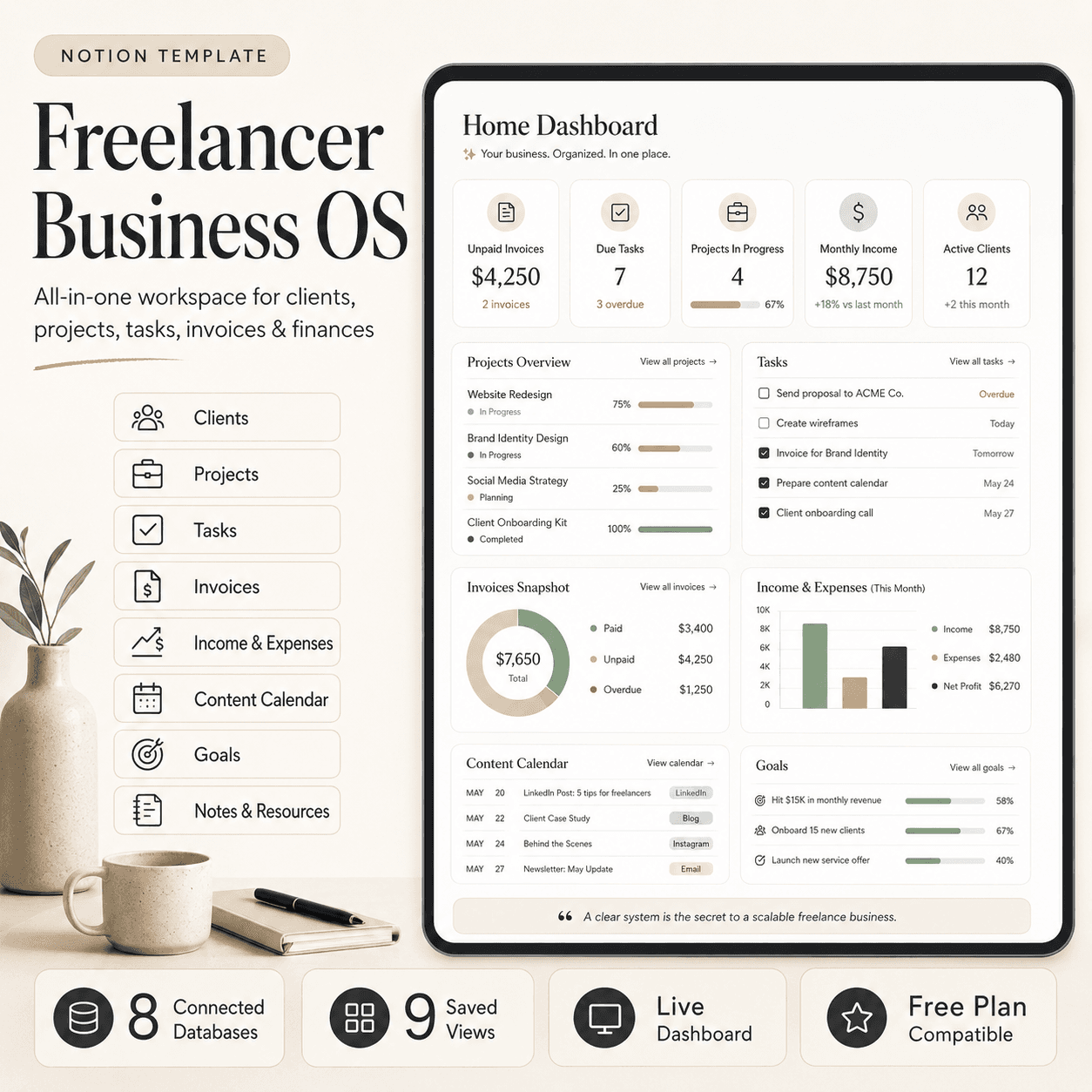
Freelancer Business OS | All-in-One Notion Template for Clients, Projects, Tasks, Invoices & Finances
$50$29.99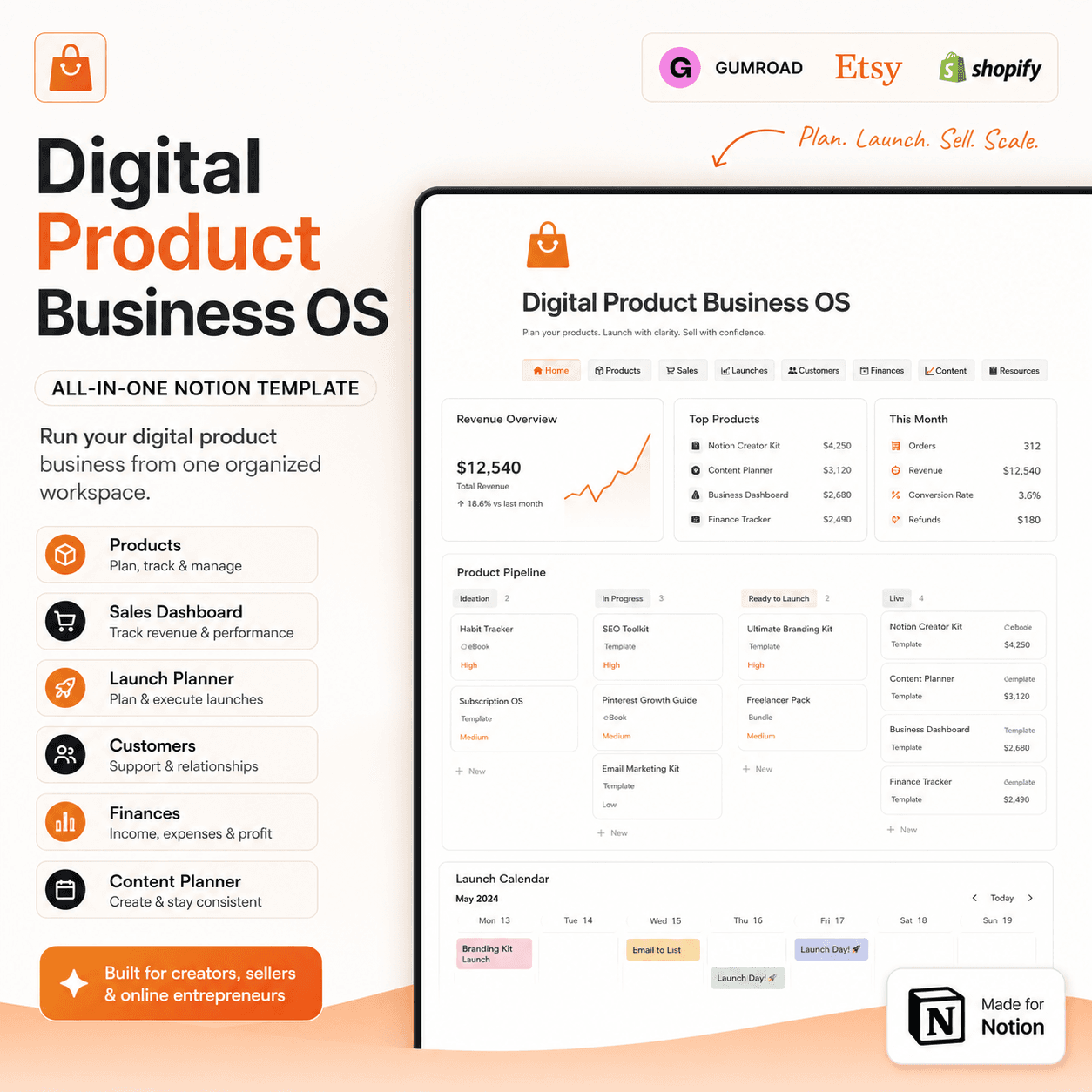 Notion
Digital Product Business OS | Notion Template for Gumroad, Etsy & Online Sellers
$50$29.99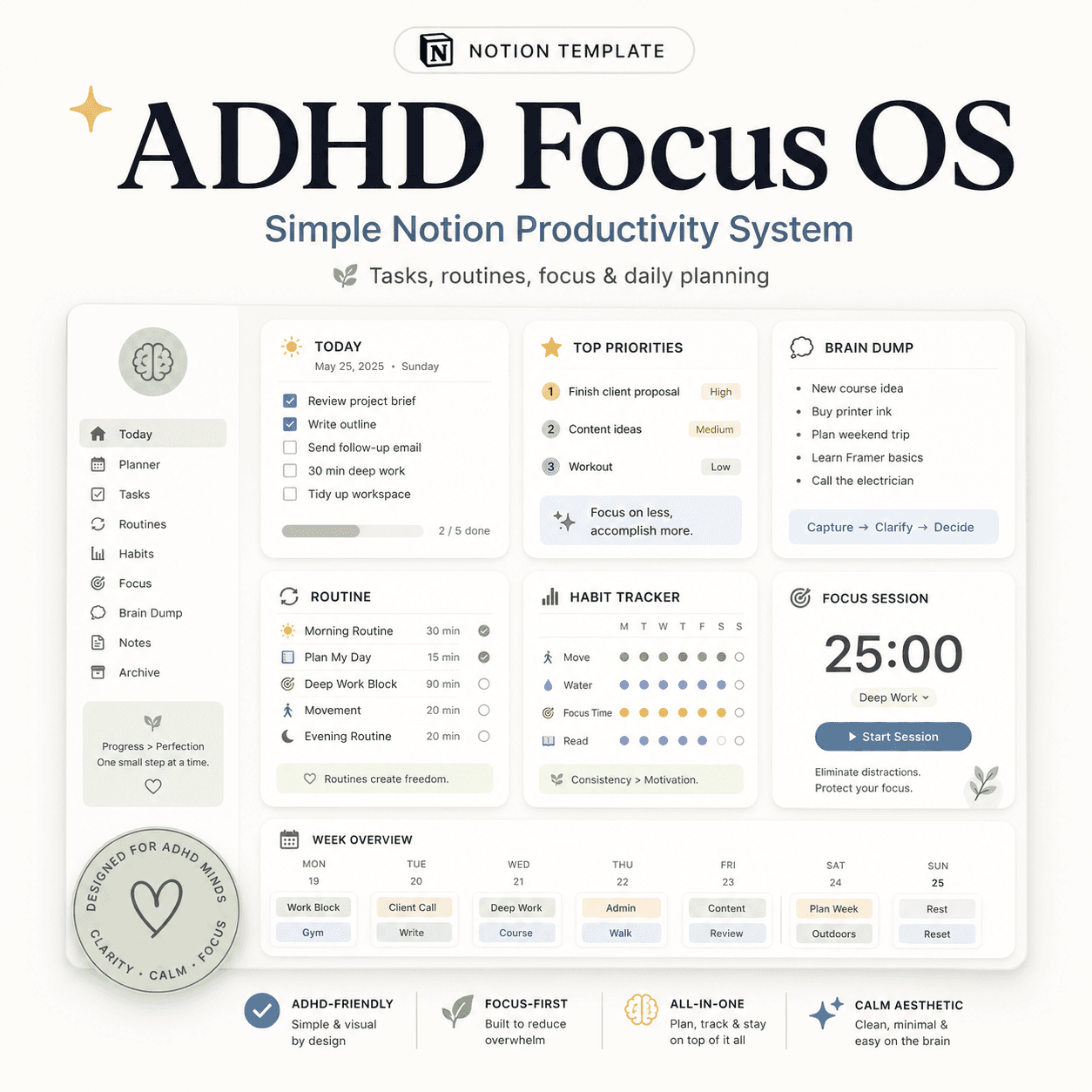 Notion
ADHD Focus OS | Simple Notion Productivity System for Tasks, Routines & Daily Planning
$50$29.99More from the lab
View all posts → Notion
The PARA Method in Notion: A Complete Setup Guide
How to build Projects, Areas, Resources and Archives as related Notion databases — not just four static pages — so the system actually holds up as it grows.
 Notion
Notion vs Trello vs ClickUp: Which One Should You Actually Use?
Where Notion, Trello and ClickUp each actually win — connected knowledge and flexible databases, dead-simple boards, or heavier built-in project management.
 Notion
Notion Templates: The Complete Guide to Building Your Best Workspace
What actually makes a Notion template worth using, free vs. paid trade-offs, and how to pick the right system for founders, personal productivity, content teams and more.