Why Traditional To-Do Lists Overwhelm ADHD Brains—and What to Use Instead
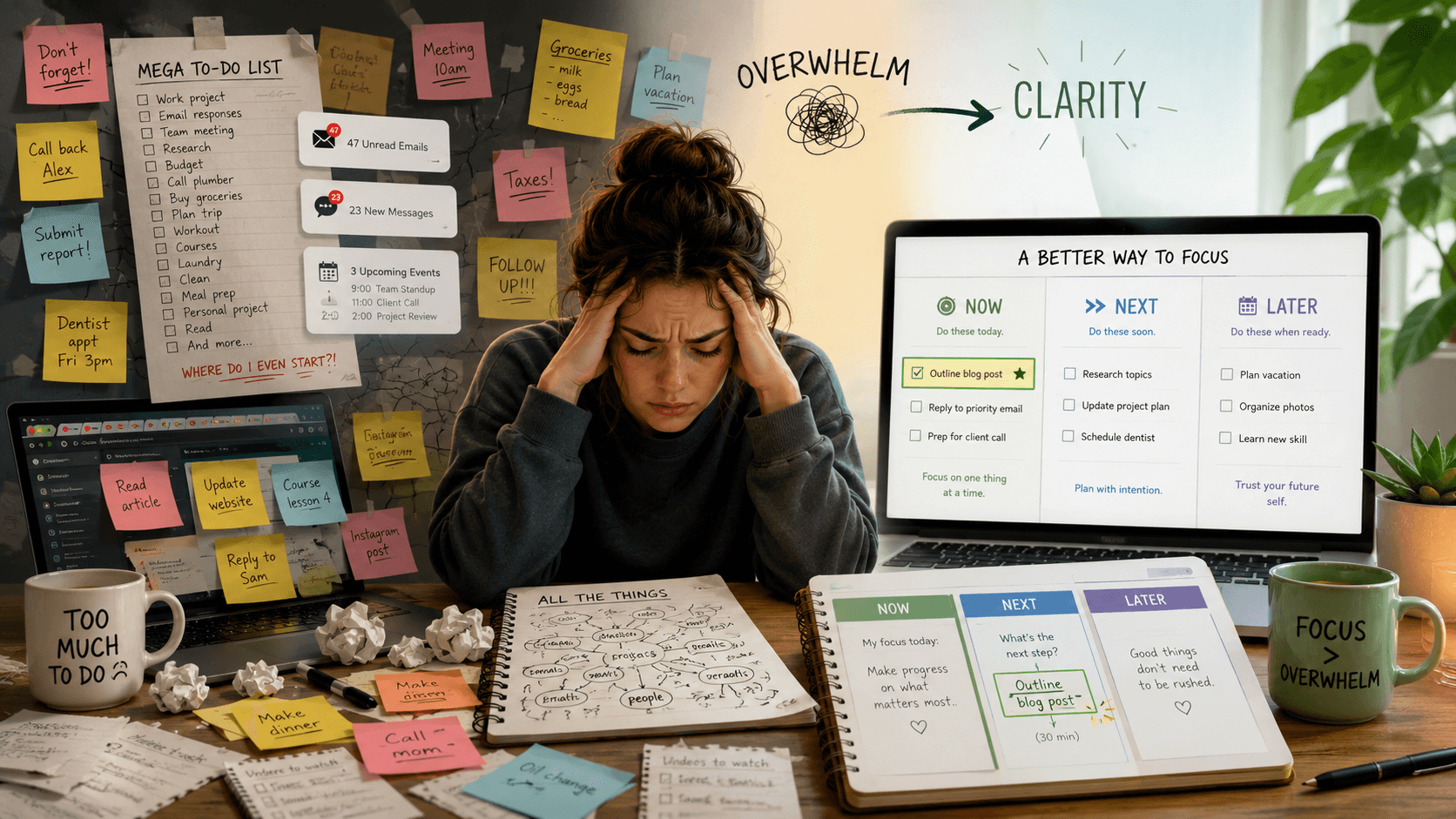
A traditional to-do list looks simple: write down everything you need to do, then work through it one item at a time.
But for many people with ADHD, that “simple” list quickly becomes a wall of unfinished decisions.
Reply to an email. Finish an assignment. Clean the room. Update a client project. Exercise. Pay a bill. Start the important task you have been avoiding. Every item competes for attention, nothing clearly shows where to begin, and the list keeps growing faster than it gets completed.
The result is often not productivity. It is ADHD overwhelm, decision paralysis, avoidance, and the frustrating feeling that you are busy thinking about tasks without actually starting them.
The problem is not that you need a longer list or more motivation. You need an ADHD-friendly productivity system that reduces the number of decisions in front of you.
Why do traditional to-do lists overwhelm ADHD brains?
ADHD can affect attention, working memory, planning, prioritization, and self-regulation. These executive-function challenges can make it harder to decide what matters, break work into steps, estimate effort, and begin a task—especially when several choices appear equally urgent.
A long ADHD to-do list creates four common problems.
Every task looks equally important
Most basic task lists are flat. “Submit the project” appears beside “buy toothpaste,” “reply to messages,” and “organize files.”
The list stores tasks, but it does not help you compare them.
When everything is presented with the same visual weight, your brain must repeatedly decide:
- What should I do first?
- Which task is actually urgent?
- What can wait?
- Which task will take five minutes?
- Which task requires an hour of concentration?
That invisible decision-making creates friction before the work even begins.
The list becomes a storage space, not a daily plan
A brain dump can be helpful because it moves thoughts out of your head. The problem begins when the brain dump becomes your daily workspace.
A list containing 30, 50, or 100 tasks is not a realistic plan for today. It is an inventory of open loops.
Opening that inventory every morning can make you feel behind before you have completed anything.
Vague tasks hide the first action
“Work on website” is not a clear action.
Neither is:
- Study biology
- Fix the business
- Prepare presentation
- Clean the apartment
- Start content creation
Each item contains several smaller decisions. When the first physical action is unclear, starting requires extra planning, and that planning can become another form of procrastination.
Unfinished tasks create guilt instead of guidance
Traditional productivity systems often treat every unfinished task as failure.
The same overdue items reappear each day. The list gets longer. You stop trusting it. Eventually, checking the planner itself becomes uncomfortable.
An ADHD planner should help you restart after a difficult day—not punish you for having one.
What is ADHD paralysis?
ADHD paralysis describes the experience of feeling unable to begin, choose, or move forward when tasks, information, emotions, or expectations become overwhelming.
It can look like procrastination from the outside, but the internal experience is often different: you know the task matters, you may want to do it, and you may be thinking about it constantly—yet you still cannot identify a manageable starting point.
Decision paralysis becomes more likely when:
- Too many tasks are visible at once
- Priorities are unclear
- Tasks feel emotionally uncomfortable
- The expected effort is unknown
- The first step is vague
- Several deadlines compete for attention
- Your energy is lower than the plan requires
The solution is not to stare at the full list harder. The solution is to reduce the number of choices.
What should you use instead of a traditional ADHD to-do list?
A more useful approach is:
Capture → Prioritize → Limit → Choose → Start
This turns a large collection of responsibilities into one visible next action.
1. Capture everything in a separate brain dump
Your brain dump should be a safe capture space, not your daily task list.
Write down every idea, reminder, responsibility, and unfinished thought without trying to organize everything immediately. This helps reduce the pressure to remember tasks while keeping the Today view clean.
A good ADHD brain dump has very little friction. You should be able to add a task quickly and decide what to do with it later.
The important rule is simple:
Capture everything, but do not display everything.
2. Use visual priorities instead of one long list
A visual priority manager makes the status of a task obvious before you read every detail.
A simple structure is:
- Now: the task that deserves attention first
- Next: a small number of tasks that may follow
- Later: valid tasks that do not need attention today
You can also sort tasks by urgency and importance, energy level, estimated effort, or life area.
The goal is not to create a complicated scoring system. The goal is to help your eyes recognize priority without forcing your brain to evaluate the entire backlog again.
This is why a visual ADHD planner often feels easier to use than a plain checklist.
3. Limit your ADHD daily planner to three to five tasks
A daily plan should show what you can reasonably act on today—not every task you might complete eventually.
For many people, a useful limit is three to five active tasks:
- One main focus task
- One or two supporting tasks
- One or two quick or low-energy tasks
A small list creates a finish line.
It also makes it easier to notice overplanning. When the Today view is full, adding another task requires replacing something instead of silently expanding the workload.
4. Choose exactly one Focus Task
Your Focus Task answers one question:
What is the most useful thing I can work on now?
It does not need to be the biggest task in your entire life. It simply needs to be the clearest current priority.
A Focus Mode should hide unrelated projects, habits, and reminders. The page may show only:
- The task name
- Why it matters
- The next action
- An optional timer
- Any notes or resources needed to begin
This reduces context switching and helps turn ADHD task management into a sequence rather than a competition between dozens of open tasks.
5. Rewrite projects as one clear next action
When a task feels heavy, make it smaller until it becomes difficult to misunderstand.
Instead of “create the website,” use:
- Open the project folder
- Write the homepage headline
- Add the product image
- Test the checkout button
Instead of “study for the exam,” use:
- Open chapter four
- Review the first two pages
- Answer five practice questions
- Mark the topics that need revision
A next action should begin with a verb and describe something you can physically do.
The smaller action is not meaningless. It is an entry point.
6. Plan for low-energy days before they happen
Many productivity systems are designed for an imaginary version of you who has the same concentration, motivation, and energy every day.
Real life does not work that way.
An ADHD-friendly planner should include a Low-Energy Mode with tasks that are:
- Short
- Clearly defined
- Easy to pause
- Low pressure
- Still useful
Examples include renaming a file, replying to one message, reviewing tomorrow’s calendar, organizing five notes, or completing the minimum version of a habit.
This creates a productive option between “complete the full plan” and “do nothing.”
7. Use a weekly reset—not a daily punishment cycle
A weekly reset gives unfinished tasks a deliberate review point.
Once a week, check:
- What was completed?
- What is still relevant?
- What should be moved to Later?
- Which deadline is approaching?
- Which project has no next action?
- What can be deleted completely?
This keeps the system trustworthy.
It also prevents old tasks from being copied forward forever simply because they were written down once.
A simple ADHD task-management example
Imagine your brain dump contains these tasks:
- Finish client landing page
- Reply to three emails
- Research blog keywords
- Update product images
- Study for an exam
- Clean the desk
- Plan social posts
- Review expenses
- Build an automation
- Buy groceries
A traditional to-do list shows all ten items.
An ADHD-friendly daily planner might show:
Focus Task: Write the landing-page headline and first section
Next: Reply to the most urgent client email
Quick Win: Replace one product image
Low-Energy Option: Clear five items from the desk
Later: Everything else
You have not ignored the other responsibilities. You have removed them from the current decision.
An ADHD productivity system built around “What should I do now?”
FocusFlow ADHD Productivity OS is a Notion-based ADHD planner designed around this exact problem.
Instead of giving you another complicated dashboard, FocusFlow helps you clear your mind, limit the daily plan, choose one priority, and identify a clear next action.
The system includes:
- A fast Brain Dump
- A Today dashboard limited to five active tasks
- One visible Focus Task
- A Visual Priority Manager
- Focus Mode for deep work
- Low-Energy Mode for difficult days
- “Now, Next, Later” task guidance
- Flexible habits and minimum versions
- Student and entrepreneur dashboards
- A weekly reset and restart system
- Five connected databases and 18 focused dashboards
Because the dashboards are connected, you do not need to rewrite the same task in several places. Updating it once keeps the information synchronized throughout the workspace.
Featured ADHD productivity system
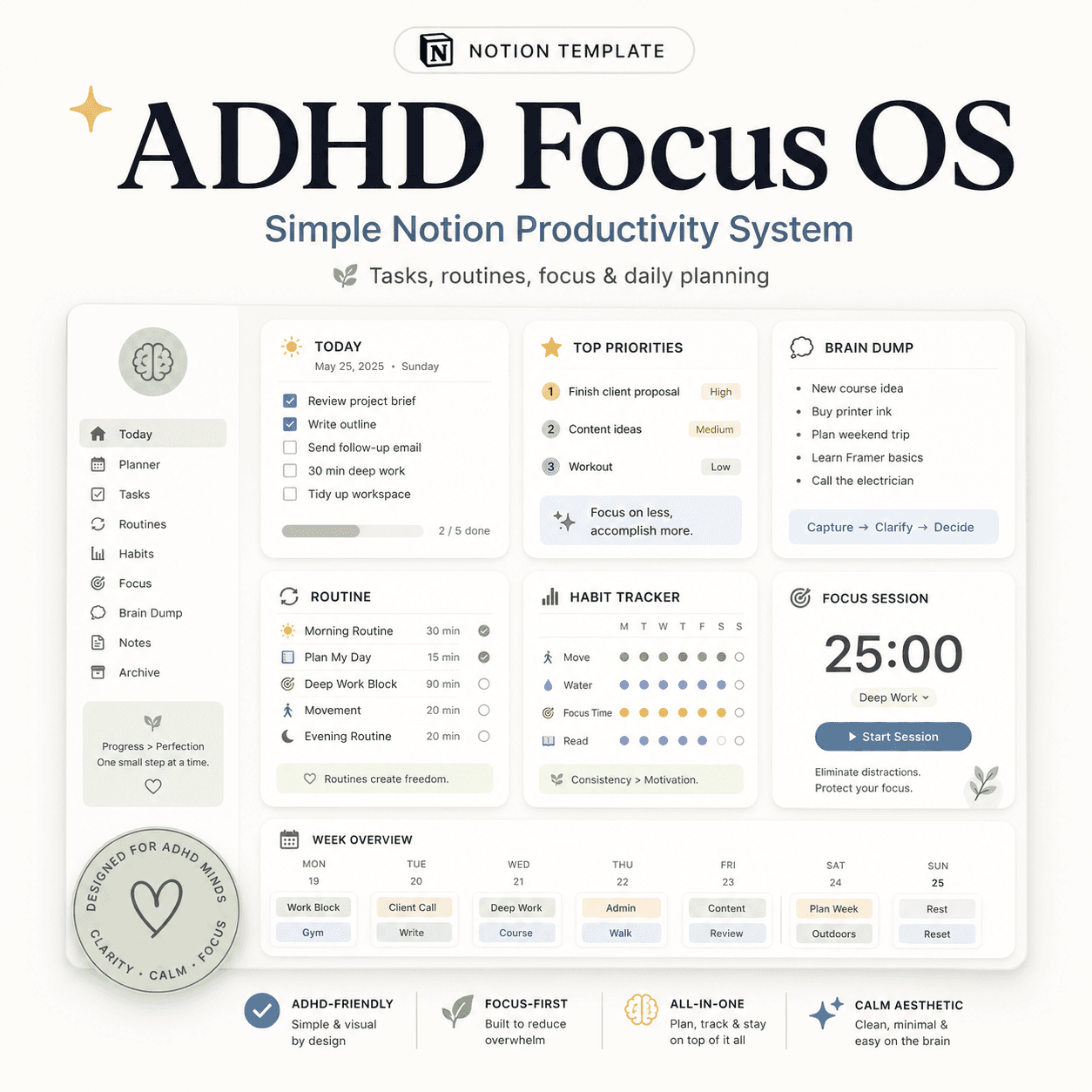 Notion
ADHD Focus OS | Simple Notion Productivity System for Tasks, Routines & Daily Planning
$50$29.99What makes an ADHD planner actually useful?
The best ADHD planner is not necessarily the one with the most pages, widgets, trackers, or motivational quotes.
It is the one that reduces friction at the moment you need to act.
Look for a system that:
- Makes capturing tasks fast
- Keeps the daily view small
- Shows priorities visually
- Separates projects from next actions
- Supports low-energy days
- Makes restarting easy
- Avoids punishing missed days
- Works on both desktop and mobile
- Requires only a few minutes of maintenance
A productivity system should create clarity, not become another project you have to manage.
Frequently asked questions about ADHD to-do lists
Are to-do lists bad for ADHD?
Not necessarily. To-do lists can be useful for capturing and remembering tasks. The problem is usually the structure: a long, unprioritized list forces you to make too many decisions at once. Separating the brain dump from the daily plan makes the list more actionable.
How many tasks should be on an ADHD daily planner?
There is no universal number, but three to five active tasks is a practical starting point. The plan should be small enough to scan quickly and realistic enough to complete without requiring a perfect day.
What is the best task-management system for ADHD?
The best system is usually simple, visible, flexible, and easy to restart. Useful features include a brain dump, visual priorities, one Focus Task, clear next actions, low-energy options, and a weekly review.
Does a brain dump help with ADHD overwhelm?
A brain dump can reduce the pressure to keep reminders in working memory. It becomes less useful when every captured item remains visible in the daily workspace. Capture first, then filter a small number of tasks into Today.
Can Notion work as an ADHD planner?
Yes, when the workspace is intentionally simple. A Notion ADHD planner should avoid excessive databases, nested pages, decorative widgets, and complicated maintenance. FocusFlow uses a limited set of connected databases with filtered dashboards so users can see only the information relevant to the current context.
What is the difference between a task and a next action?
A task may still describe a broad outcome, such as “prepare the presentation.” A next action describes the first observable step, such as “open the slide deck and write the title slide.” Clear next actions reduce the planning required to begin.
Your to-do list should reduce decisions—not create more
A long list may contain everything you need to remember, but it cannot tell you what deserves attention right now.
For ADHD productivity, the most useful system is often the one that shows less:
- Fewer visible tasks
- Fewer competing priorities
- Fewer steps required to begin
- One clear next action
Keep the full backlog somewhere safe. Keep today small. Choose one priority. Start with the next visible step.
That is how a to-do list becomes a usable ADHD productivity system instead of another source of overwhelm.
Productivity is not seeing everything at once. It is seeing the right next step clearly enough to begin.
FocusFlow is an organization and productivity tool. It is not a medical, diagnostic, therapeutic, or clinical product. Anyone concerned about ADHD symptoms should seek guidance from a qualified healthcare professional.
Build this with
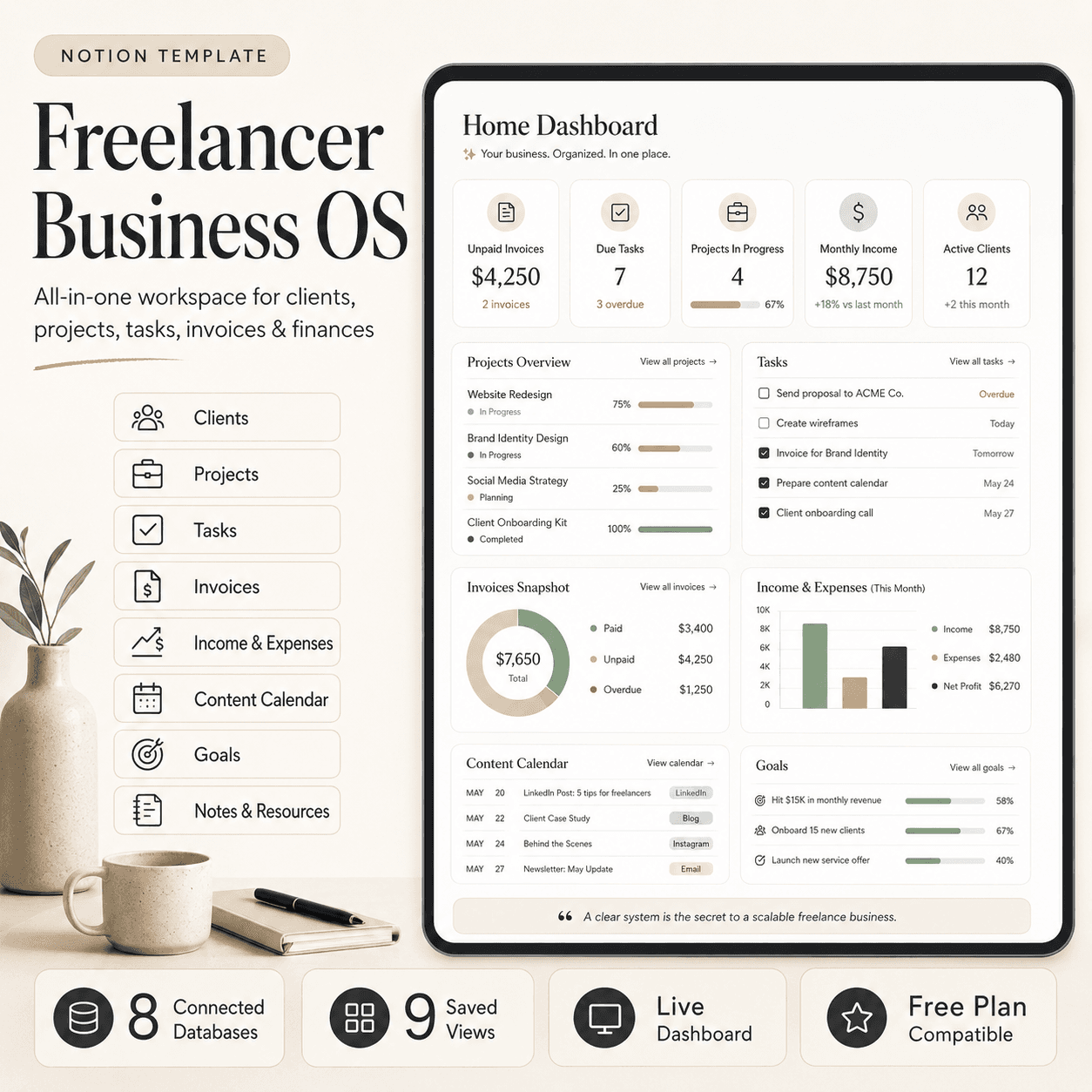 Notion
Freelancer Business OS | All-in-One Notion Template for Clients, Projects, Tasks, Invoices & Finances
$50$29.99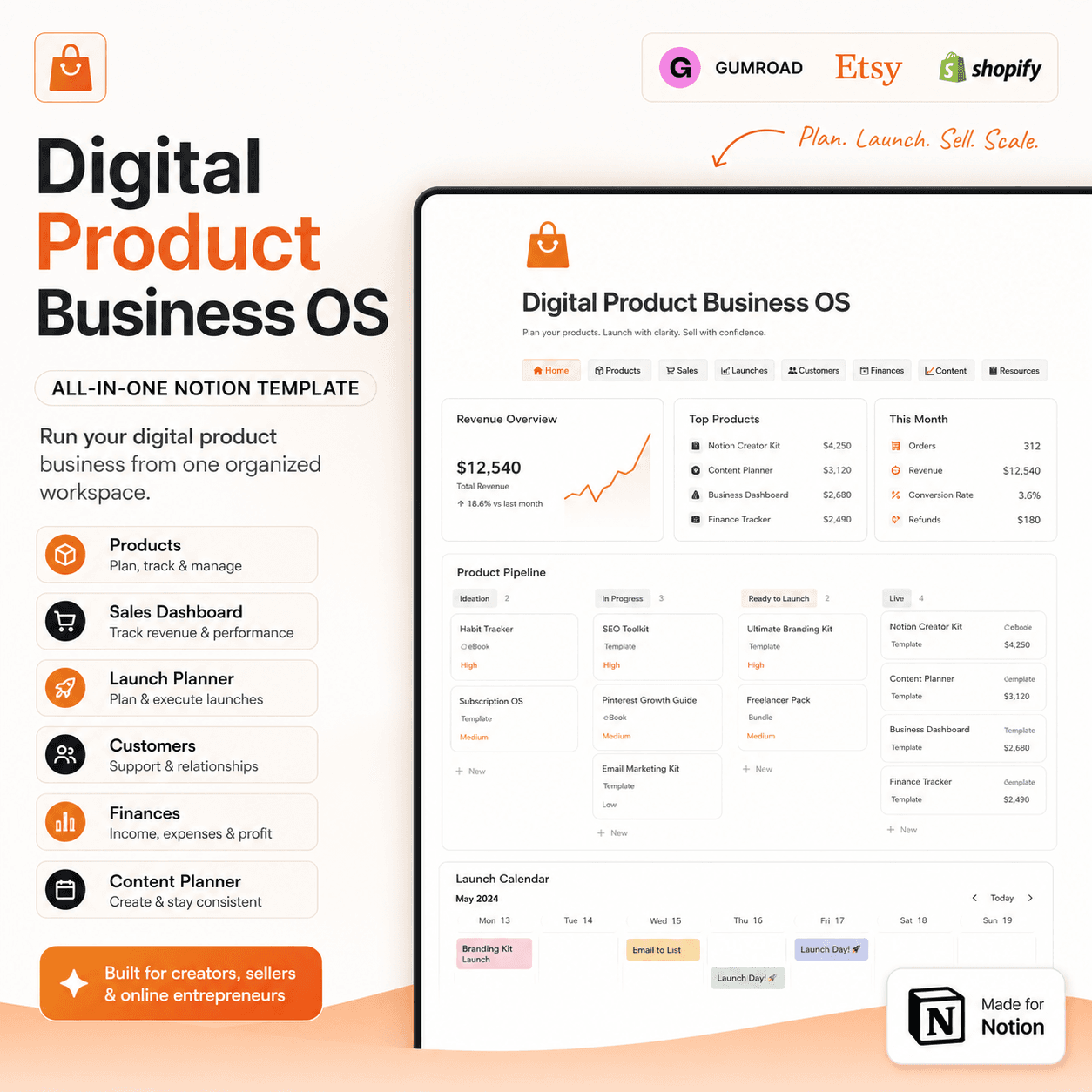 Notion
Digital Product Business OS | Notion Template for Gumroad, Etsy & Online Sellers
$50$29.99NotionADHD Focus OS | Simple Notion Productivity System for Tasks, Routines & Daily Planning
$50$29.99More from the lab
View all posts → Notion
The PARA Method in Notion: A Complete Setup Guide
How to build Projects, Areas, Resources and Archives as related Notion databases — not just four static pages — so the system actually holds up as it grows.
 Notion
Notion vs Trello vs ClickUp: Which One Should You Actually Use?
Where Notion, Trello and ClickUp each actually win — connected knowledge and flexible databases, dead-simple boards, or heavier built-in project management.
 Notion
Notion Templates: The Complete Guide to Building Your Best Workspace
What actually makes a Notion template worth using, free vs. paid trade-offs, and how to pick the right system for founders, personal productivity, content teams and more.