Cold Outreach Automation with n8n and AI

Cold outreach fails for two opposite reasons: manual outreach doesn't scale, and generic templated blasts scale but get ignored because they read as templated blasts. An n8n cold outreach workflow solves both by generating genuinely personalized messages automatically, using the enrichment data your lead pipeline already collected.
This builds on n8n lead generation automation and n8n CRM automation — outreach works best when it pulls from a pipeline that's already sourcing, enriching, and scoring leads before a message ever gets drafted.
Why templated outreach stops converting
A message with {{firstName}} swapped in and nothing else personalized is functionally identical to no personalization at all — recipients recognize the pattern instantly. Real personalization means referencing something specific to the recipient: their company's recent activity, their role's actual pain point, a detail from their public content. That's exactly the kind of unstructured judgment an AI model, given the right enrichment data, can generate at scale in a way fixed templates never could.
Step 1: Start from enriched, scored leads
Cold outreach automation should never run against a raw, unscored lead list — that's how you end up messaging people who were never a fit in the first place. Feed this workflow from the output of your lead generation and scoring pipeline, filtering to leads that cleared your qualification threshold.
Step 2: Generate a personalization brief per lead
Before drafting the message itself, use an AI node to synthesize a short personalization brief from the enrichment data: company context, role-specific pain point, and one relevant hook (recent funding, a product launch, a piece of content they published). This intermediate step matters — asking an AI model to write the final message directly from raw data in one shot tends to produce generic output; asking it to first identify what's genuinely worth referencing produces sharper messages.
Personalization brief for {{$json.company}}:
  - Role-specific angle: ...
  - Recent relevant event: ...
  - Suggested hook: ...
Step 3: Draft the message
With the brief in hand, a second AI node drafts the actual outreach message — email or LinkedIn — using your value proposition, tone guidelines, and the brief as inputs. Keep your prompt specific about length, tone, and what NOT to do (no generic flattery, no obviously AI-written phrasing, no more than one CTA), since vague prompts produce generic output regardless of how good the input data is. If your lead list isn't scored and enriched yet, see n8n lead generation automation first.
Step 4: Route through a human approval step for cold sends
Fully autonomous cold outreach — no human review before sending — carries real reputational risk if the AI misreads context or generates something off-brand. A lighter-touch pattern: route generated drafts to a Slack approval step where a rep can approve, edit, or reject in seconds, rather than reviewing every message from scratch. This keeps most of the time savings while keeping a human in the loop on what actually goes out.
Step 5: Space sends and respect platform limits
Whether sending via email or LinkedIn, sending everything in one batch reads as spam behavior to both recipients and the platform's own abuse detection. Use n8n's SplitInBatches node with Wait steps between sends, spaced to match realistic human sending patterns and the platform's documented limits, rather than firing every message in the queue at once.
Step 6: Track replies and update the CRM automatically
A reply to a cold outreach message should update the lead's CRM status automatically — not require the rep to remember to log it. An email or webhook trigger watching for replies can update status, notify the rep, and (if the reply is a positive response) trigger a follow-up workflow, closing the loop between outreach and pipeline management — see n8n CRM automation for how that sync should be structured.
Build the full outreach pipeline
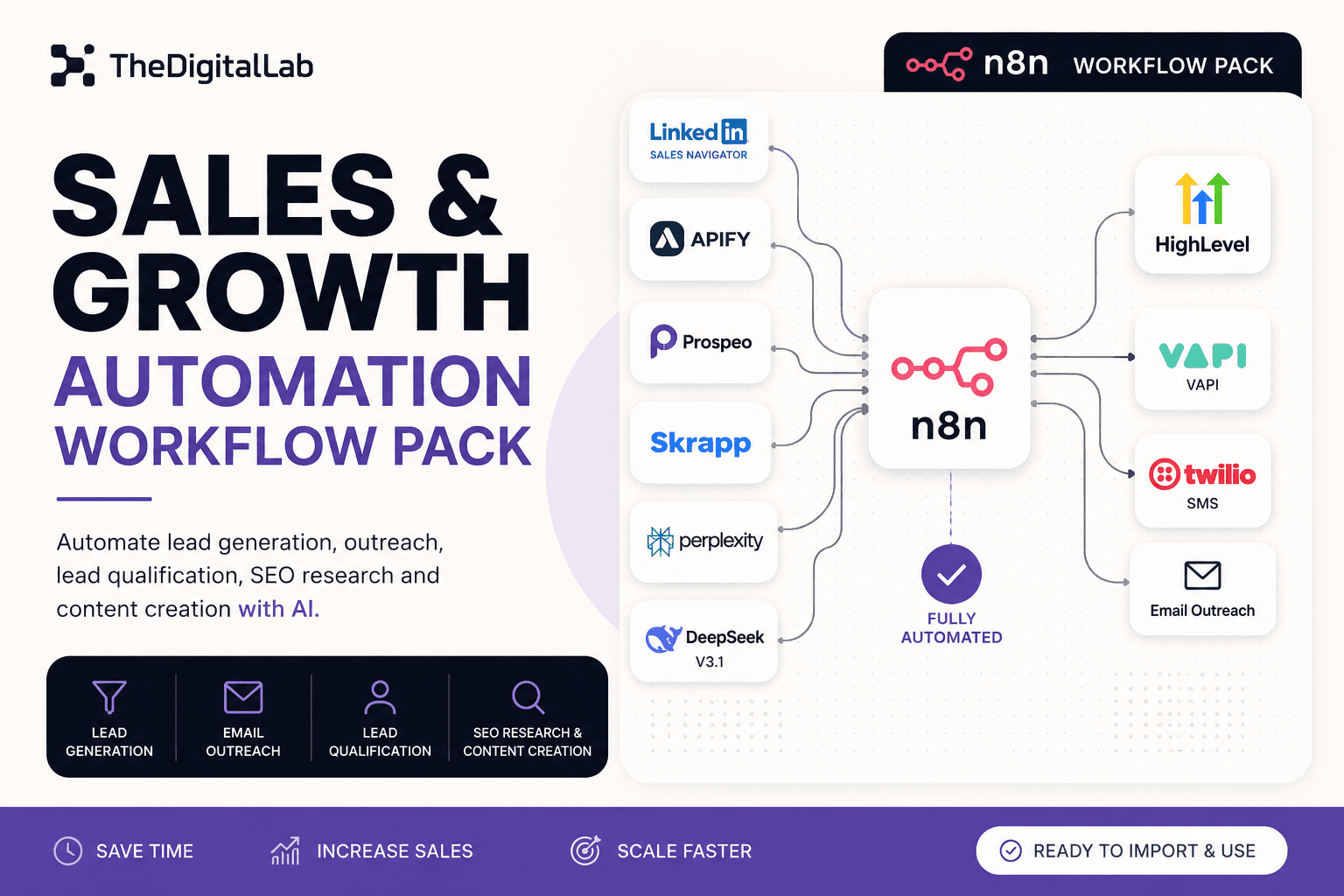
Personalized outreach at scale only works when it's built on top of clean lead sourcing and scoring — otherwise you're just personalizing messages to the wrong people faster. See our complete guide to n8n workflows for how this fits the bigger picture. Our Sales & Growth Automation Workflow Pack ships lead generation, qualification, and AI-powered outreach together as one tested pipeline.
Build this with
More from the lab
View all posts →n8n Workflows: The Complete Guide to Automating Your Business
What n8n workflows actually are, when to build vs. import one, and how to use them to automate social media, lead generation, e-commerce and more.
n8n Workflow Templates: Where to Find Free, Ready-to-Use Automations
Where to find free n8n workflow templates, how to evaluate one before importing it, and when a paid workflow pack saves more time than a free template.
7 n8n Workflow Mistakes That Break Your Automations (and How to Fix Them)
The most common n8n workflow mistakes — from missing error handling to hardcoded credentials — and the specific fix for each one.