n8n CRM Automation: Sync and Score Leads Automatically
A CRM is only as useful as the data inside it, and most CRMs decay the same way: leads come in from five different sources, get entered inconsistently or not at all, and within a few months half the records are stale or duplicated. n8n CRM automation solves this by making the CRM a destination every lead source writes to automatically, in a consistent shape, instead of a database someone updates by hand.
This builds directly on n8n lead generation automation — read that first if you haven't already automated the sourcing side of the pipeline.
Why CRM data decays without automation
Manual CRM entry fails for a predictable reason: it's the least urgent task on a rep's list, so it gets done last, done inconsistently, or skipped entirely under deadline pressure. The result isn't just missing data — it's data nobody trusts, which means reps stop relying on the CRM for decisions and revert to memory and spreadsheets, defeating the point of having one.
Before scaling a CRM automation workflow to high lead volumes, it's worth understanding what n8n actually costs at that execution volume, whether self-hosted or on n8n Cloud.
Step 1: Centralize every lead source into one entry point
Whatever's generating leads — a website form, a LinkedIn prospecting workflow, an inbound email, a trade show list import — should feed into the same normalization step before touching the CRM. Build one workflow with multiple triggers (webhook for forms, schedule for scraped sources, email trigger for inbound) that all route through a shared Set node, mapping each source's fields to your CRM's schema regardless of how differently each source structures its data.
Step 2: Deduplicate before writing
The single most common CRM automation mistake is writing every new lead as a new record without checking whether it already exists. Before any CRM write, query for an existing record matching on email (the most reliable unique identifier for most B2B contexts) and branch: update the existing record if found, create a new one if not. This single check prevents the duplicate pileup that makes CRM search and reporting unreliable within a few months.
Step 3: Score and tag automatically
Manual lead scoring is inconsistent between reps and rarely kept up to date. An automated scoring step — evaluating company size, role, engagement signals, or an AI-driven fit assessment against your ICP — can write a consistent score directly to the CRM record on every sync, so pipeline reports reflect current reality instead of a scoring pass someone ran three months ago. See n8n lead generation automation for how that score should be calculated upstream.
Step 4: Trigger the right internal notification
Not every CRM update needs a human to see it immediately — but a hot lead does. Wire a conditional branch off your scoring step: high-fit leads trigger a Slack notification to the assigned rep with full context attached, while lower-priority updates simply land in the CRM for the next pipeline review, without interrupting anyone.
Step 5: Keep the CRM in sync both ways
CRM automation isn't only about writing new data in — it's also about pulling status changes back out to trigger other workflows. A deal marked "closed won" in the CRM can trigger a webhook that kicks off onboarding; a lead marked "unqualified" can trigger removal from an active nurture sequence. Most CRMs (HubSpot, Pipedrive, Salesforce) support outbound webhooks on record changes specifically for this pattern.
Common CRM automation mistakes
The same failure patterns that break other n8n workflows show up here: no deduplication logic, no error handling when the CRM API rate-limits a bulk sync, and workflows that assume every lead source's data is clean when it rarely is. Build validation into the normalization step in Step 1, not as an afterthought once bad data is already in the CRM.
Closing the loop with outreach
Once leads are landing in your CRM clean, deduplicated, and scored, the natural next step is automating the first outreach message from that same enriched record — rather than a rep starting from a blank message every time. Cold outreach automation with n8n and AI covers building that step.
Build the full sales pipeline
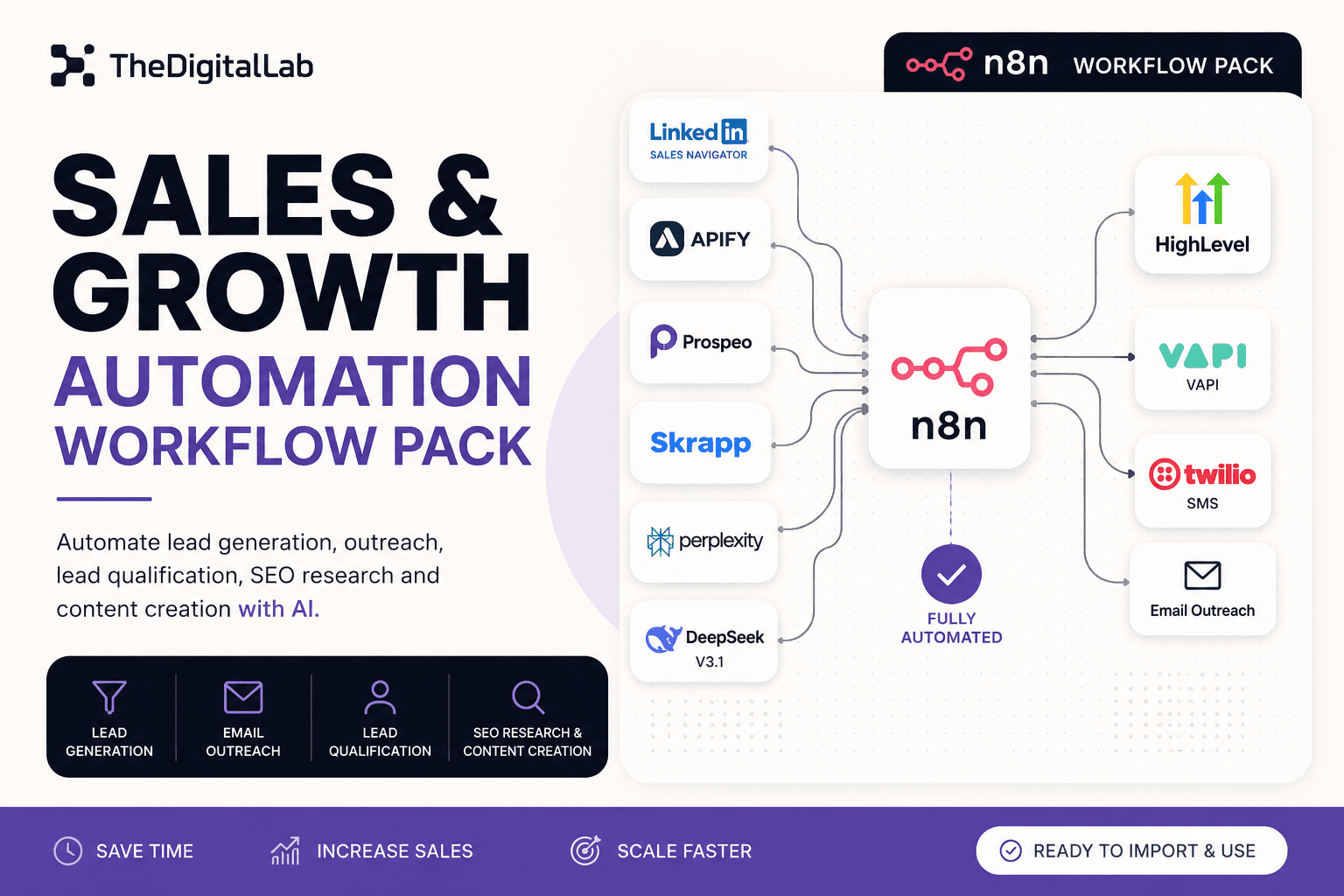
CRM sync is one piece of a larger sales automation pipeline covered in our complete guide to n8n workflows. Our Sales & Growth Automation Workflow Pack combines LinkedIn prospecting, AI-powered lead qualification, and CRM-ready lead scoring into workflows built to run together, rather than three disconnected pieces you have to wire up yourself.
Build this with
More from the lab
View all posts →n8n Workflows: The Complete Guide to Automating Your Business
What n8n workflows actually are, when to build vs. import one, and how to use them to automate social media, lead generation, e-commerce and more.
n8n Workflow Templates: Where to Find Free, Ready-to-Use Automations
Where to find free n8n workflow templates, how to evaluate one before importing it, and when a paid workflow pack saves more time than a free template.
7 n8n Workflow Mistakes That Break Your Automations (and How to Fix Them)
The most common n8n workflow mistakes — from missing error handling to hardcoded credentials — and the specific fix for each one.