How to Sell Notion Templates: Turning Your System Into a Business

A surprising number of Notion template businesses start the same way: someone builds a system to solve their own problem, a friend or coworker asks for a copy, and that request repeats often enough to suggest other people would pay for it too. Turning that instinct into an actual product takes more than sharing a duplication link, though — the gap between "works for me" and "works for a stranger who's never seen my brain" is where most first attempts fall short. (See our complete guide to Notion templates for the broader landscape this business sits inside.)
This is also worth knowing if you're building for notion templates for students or another simple use case — a genuinely useful, well-documented system in an underserved niche can outsell a more complex template in a crowded category.
Step 1: Generalize the structure without losing what makes it useful
A personal system is full of your own specific data — your actual clients, your actual habits, your actual projects. Before it's sellable, that has to become a clean structure with example or placeholder data that demonstrates the system without leaking anything personal. The trap to avoid is over-generalizing to the point the template loses the specificity that made it useful in the first place — a CRM built "for everyone" is often worse than one clearly built for freelancers, or clearly built for agencies, because the properties and views stop matching anyone's actual workflow well.
Step 2: Documentation is the product, not an afterthought
The single biggest gap between free templates and paid ones is documentation — a short setup guide covering what each database does, how the relations work, and how to customize the properties for the buyer's specific case. A template with zero documentation reads as "here's my workspace," which is a very different (and less trustworthy) product than "here's a system with a guide." This is also where support expectations get set: a documented template generates far fewer confused support messages than an undocumented one.
Step 3: The duplication link and what has to be true before you share it
Notion templates are distributed as a public duplication link — a page set to "Allow duplicate as template" so a buyer's click creates their own private copy. Before that link goes out, every reference to your own personal or company data needs to be scrubbed and replaced with placeholder content, and every database view needs to be checked from a fresh account's perspective, since permissions and shared elements (like linked databases from other pages in your workspace) can behave differently for someone duplicating the page than they do for you as the owner.
Step 4: Pricing and where to list it
Pricing depends heavily on complexity and audience — a simple single-database tracker sells in the $5-15 range if it sells at all, while a multi-database system solving a specific, valuable problem (a founder's company OS, a real CRM, a content pipeline) reasonably commands $20-50 or more. Marketplaces like Gumroad, Notion's own template gallery, and dedicated multi-vendor stores (including ours) are the common distribution channels, each with different discovery dynamics — a marketplace with existing buyer traffic trades a cut of revenue for distribution you'd otherwise have to build yourself. Worth remembering, too: buyers are already used to paying for software — what buyers already pay for Notion itself is a useful reference point for pricing a template against, since your product is competing for the same budget line as Notion's own paid tiers.
The support question buyers ask before purchase
Increasingly, buyers ask what happens if Notion changes something and the template breaks — a fair question, since Notion ships new features regularly and older templates can end up relying on deprecated patterns. Being upfront about your update policy (lifetime updates, updates for a year, or no ongoing updates at all) before the sale, rather than leaving it ambiguous, is one of the simplest trust signals a template listing can carry, and its absence is one of the most common reasons a buyer hesitates on an otherwise-strong listing.
What makes a template worth buying in the first place
None of the packaging steps above matter if the underlying system isn't built well — how to create a Notion template from scratch covers the database-first structure (relations, rollups, multiple views) that separates a real system from formatted text with a nice cover image. If you're evaluating whether your own system clears that bar, free vs. paid Notion templates covers what buyers are actually paying for when they choose a paid template over a free one — that's the exact standard your own template needs to meet.
Learning from what already sells
Studying successful templates in the category you're building for is worth doing before you finalize your own structure — Notion templates for founders and startups and the best Notion second brain templates cover what the strongest systems in two of the most competitive categories actually include, useful as a benchmark whether you're building in the same space or a different one entirely.
Build this with
 Notion
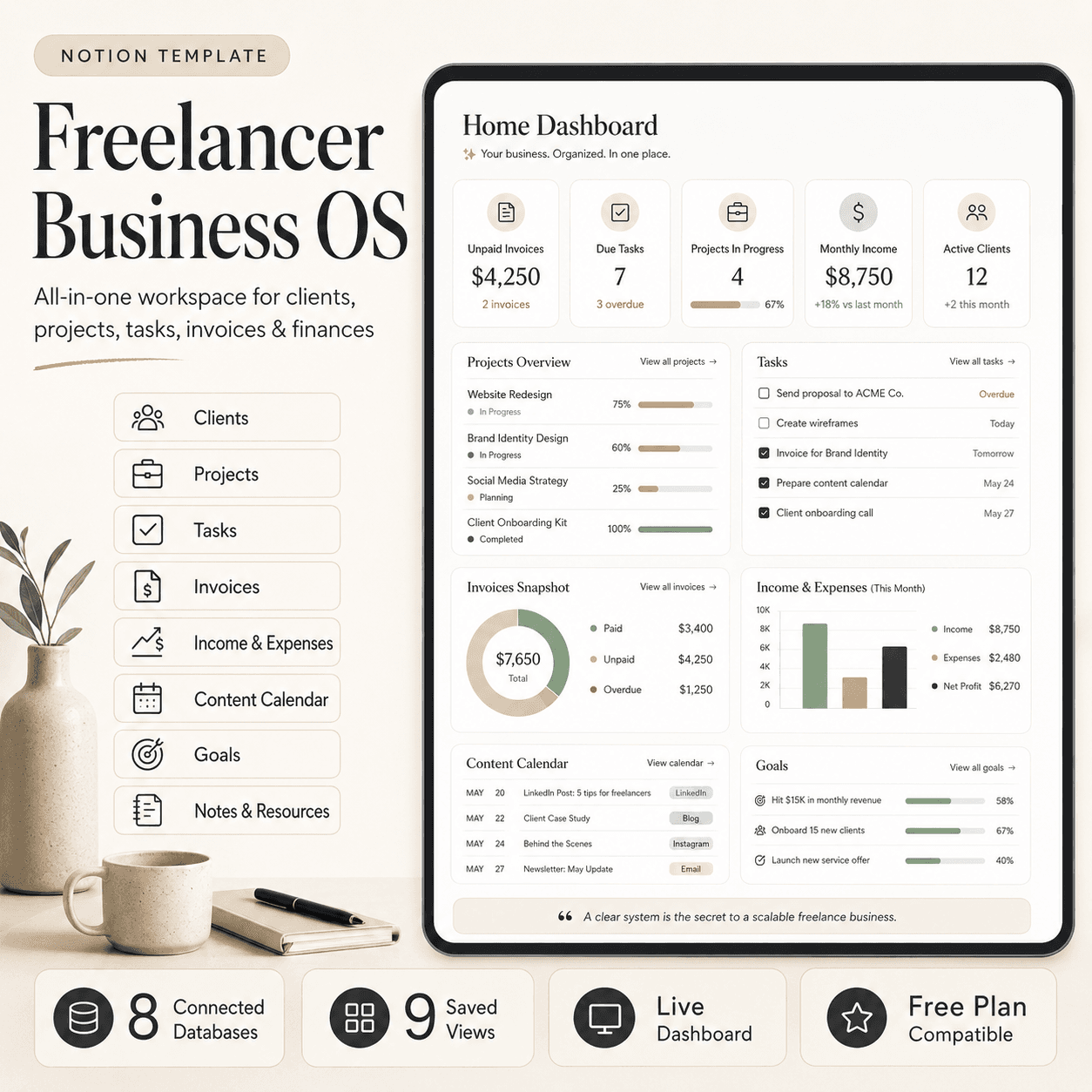
Freelancer Business OS | All-in-One Notion Template for Clients, Projects, Tasks, Invoices & Finances
$50$29.99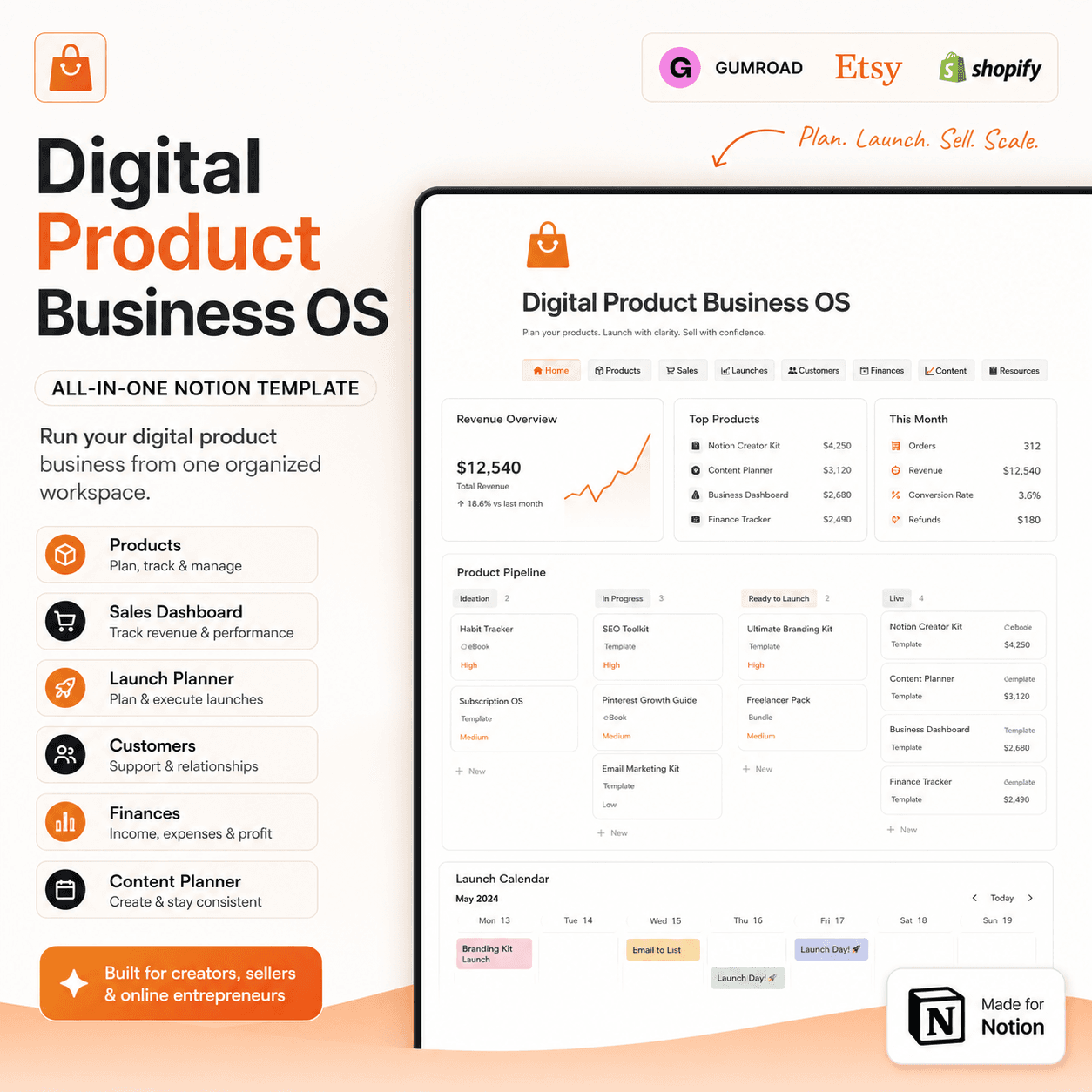 Notion
Digital Product Business OS | Notion Template for Gumroad, Etsy & Online Sellers
$50$29.99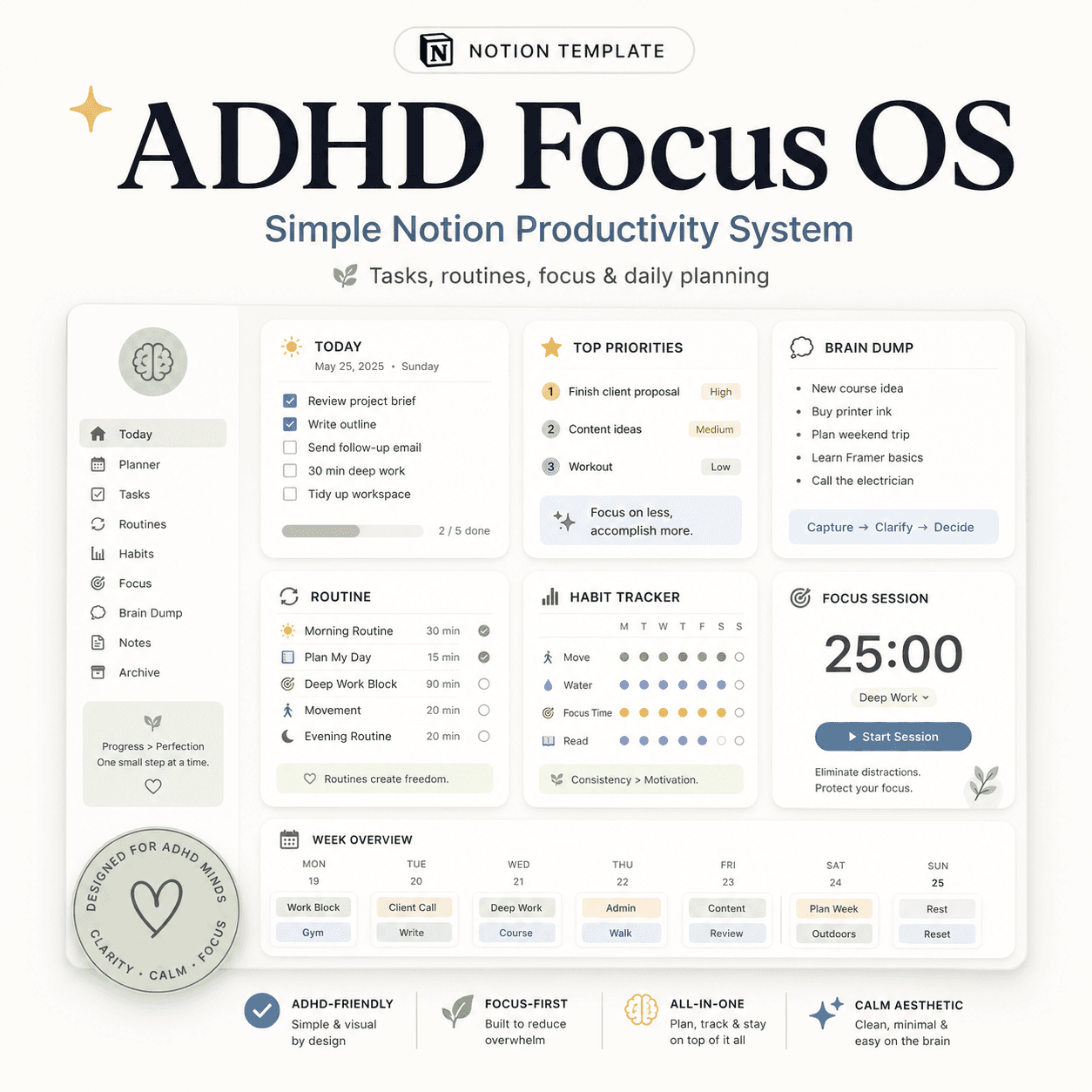 Notion
ADHD Focus OS | Simple Notion Productivity System for Tasks, Routines & Daily Planning
$50$29.99More from the lab
View all posts → Notion
The PARA Method in Notion: A Complete Setup Guide
How to build Projects, Areas, Resources and Archives as related Notion databases — not just four static pages — so the system actually holds up as it grows.
 Notion
Notion vs Trello vs ClickUp: Which One Should You Actually Use?
Where Notion, Trello and ClickUp each actually win — connected knowledge and flexible databases, dead-simple boards, or heavier built-in project management.
 Notion
Notion Templates: The Complete Guide to Building Your Best Workspace
What actually makes a Notion template worth using, free vs. paid trade-offs, and how to pick the right system for founders, personal productivity, content teams and more.